Customize Your Sewing Patterns Digitally — Without Starting From Scratch Every Time
Learn how to adjust fit, modify designs, and experiment with sewing patterns directly on your computer using Adobe Illustrator or Affinity Designer.
Perfect for sewists ready to explore digital pattern making without feeling overwhelmed.
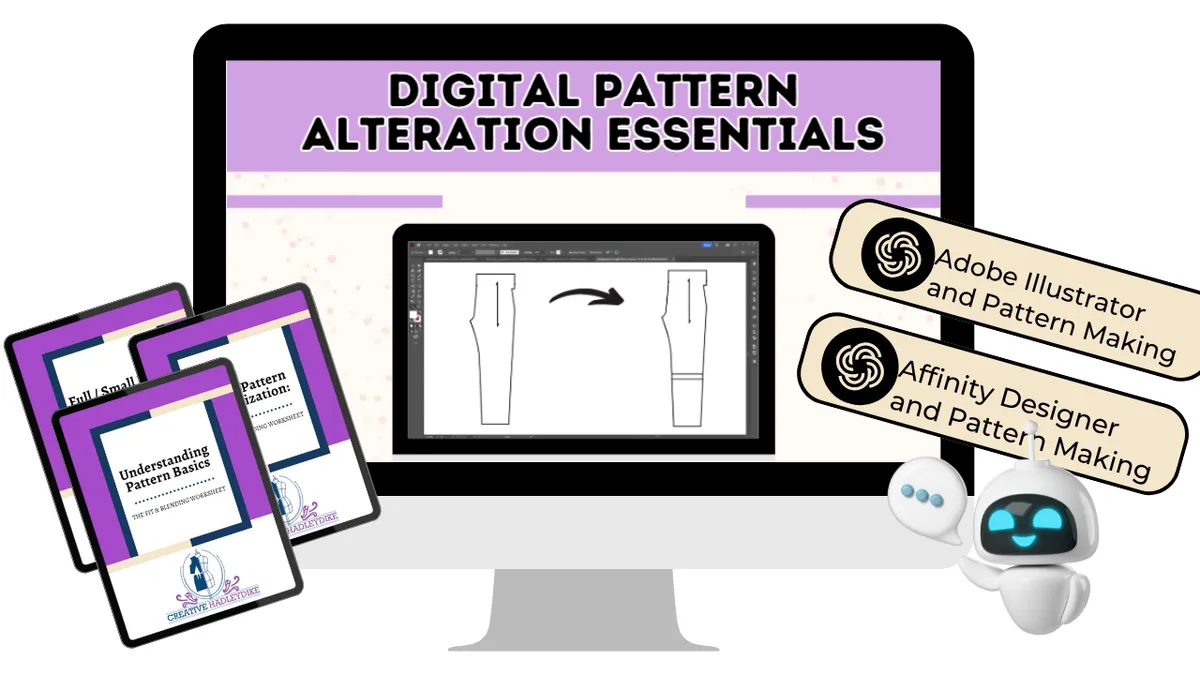
Many sewists reach a point where they start wishing their patterns were easier to change.
Maybe you want to:
• adjust the fit for your body
• lengthen a skirt or pant pattern
• modify sleeves or necklines
• combine elements from different patterns
But every time you try to make those changes on paper…
It can feel slow, repetitive, and difficult to experiment.
So you start looking into digital pattern making.
And that’s where a new frustration appears.
You open the software…
And suddenly you’re wondering:
• Which tools do I actually use?
• How do I move darts digitally?
• How do I change shaping without redrawing everything?
• How do I adjust a pattern cleanly?
Digital tools can feel powerful — but also confusing without guidance.
Digital pattern alterations don’t require becoming a software expert.
What you really need is a clear pattern workflow that shows how sewing pattern changes translate into digital edits.
That’s exactly what this course teaches.
INTRODUCING
Digital Pattern Alterations Essentials
A step-by-step course designed to help sewists confidently customize their sewing patterns using digital tools.
Instead of guessing your way through Illustrator or Affinity Designer, you'll learn a clear system for making pattern adjustments digitally.
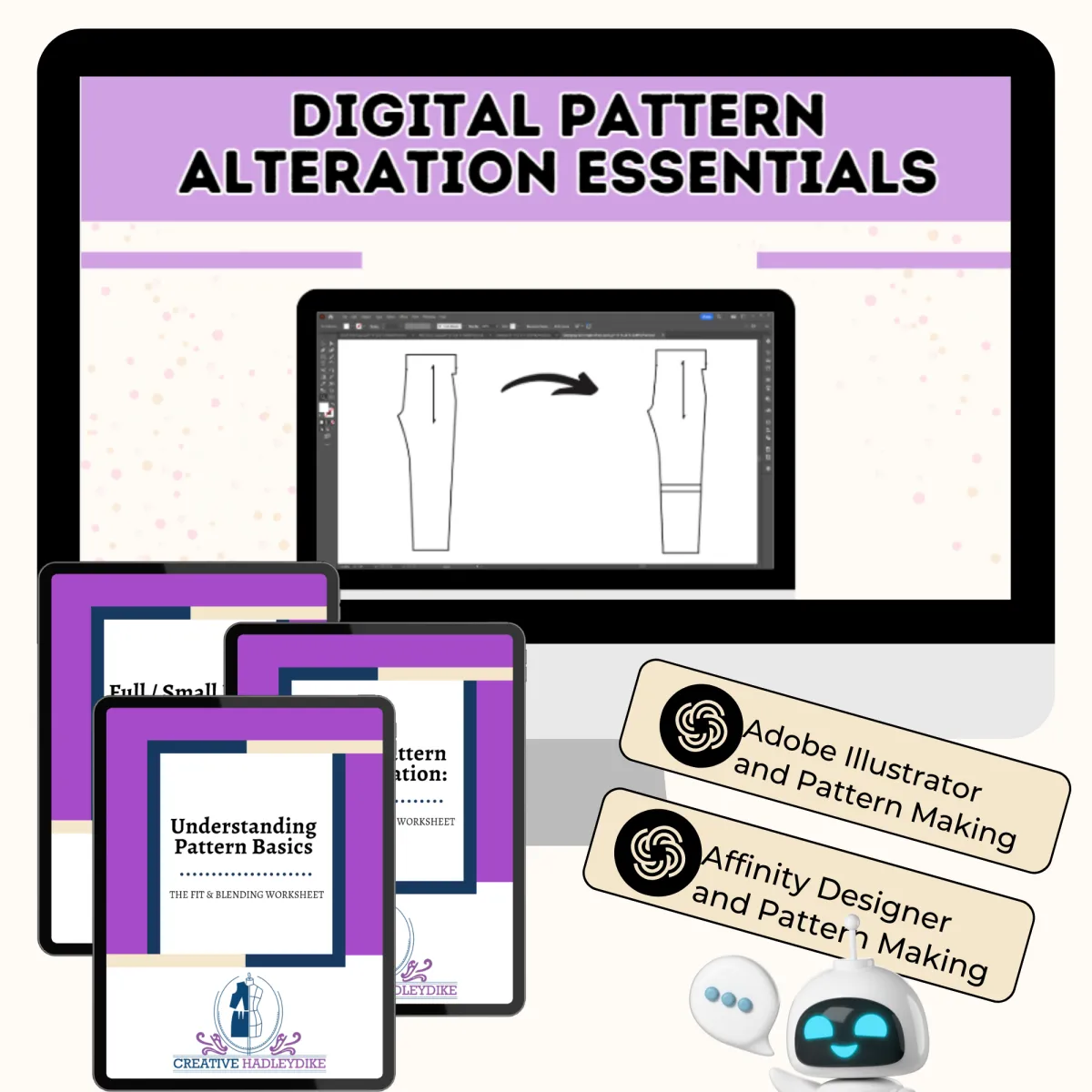
WHAT YOU’LL BE ABLE TO DO
By the end of this course, you'll be able to:
✔️ Perform full and small bust adjustments digitally
✔️ Modify necklines, darts, sleeves, and waistlines
✔️ Lengthen or shorten pants and skirts
✔️ Add fullness for gathers or ruching
✔️ Combine elements from different patterns
✔️ Use slopers as a digital foundation
✔️ Prepare patterns for sewing and testing
Instead of redrawing patterns repeatedly, you’ll learn how to refine and customize them efficiently.
WHAT'S INSIDE THE COURSE
Inside the course you'll find:
✔️ Over 5 hours of step-by-step video instruction
✔️ Clear demonstrations of real pattern alterations
✔️ Workflows you can apply to your own patterns
✔️ Practical examples showing how digital edits translate into garment changes
You’ll see exactly how pattern adjustments happen — not just in theory, but inside real digital pattern files.
SOFTWARE USED
The course demonstrates techniques using:
Adobe Illustrator
Affinity Designer
Both programs use vector tools that make pattern alterations precise, repeatable, and easy to adjust later.
There are also some examples in Clo3d.
You do not need to be an expert in these programs before starting.
The course walks you through the tools needed for pattern work.
BONUSES
Pattern Basics Reference Guide
A quick guide to help you understand key pattern components and terminology.
Bust Adjustment Visual Guides
Step-by-step reference sheets for full and small bust adjustments.
Digital Pattern Customization Workbook
A companion workbook to help you apply the techniques to your own patterns.
Illustrator Pattern Assistant
A custom GPT assistant that helps you navigate Illustrator while working on pattern alterations.
Affinity Pattern Assistant
A companion assistant designed to support pattern work inside Affinity Designer.
These tools act like extra support while you're learning, helping you stay unstuck as you practice.
WHO THIS COURSE IS FOR
This course is ideal for:
✔️ Sewists curious about digital pattern making
✔️ Makers who want to customize patterns for themselves or family
✔️ People transitioning from paper patterns to digital workflows
✔️ Sewists who want to experiment with design variations
Hi, I’m Christina HadleyDike.
I’m a digital pattern maker and educator who helps sewists move beyond simply following patterns and start understanding how patterns are created and modified.
My teaching focuses on making pattern making feel clear, approachable, and empowering — not overwhelming.
Digital tools can open incredible creative possibilities for sewists, and I love helping people explore them with confidence.
Digital Pattern Alterations Essentials
Everything You Need to Start Customizing Patterns Digitally
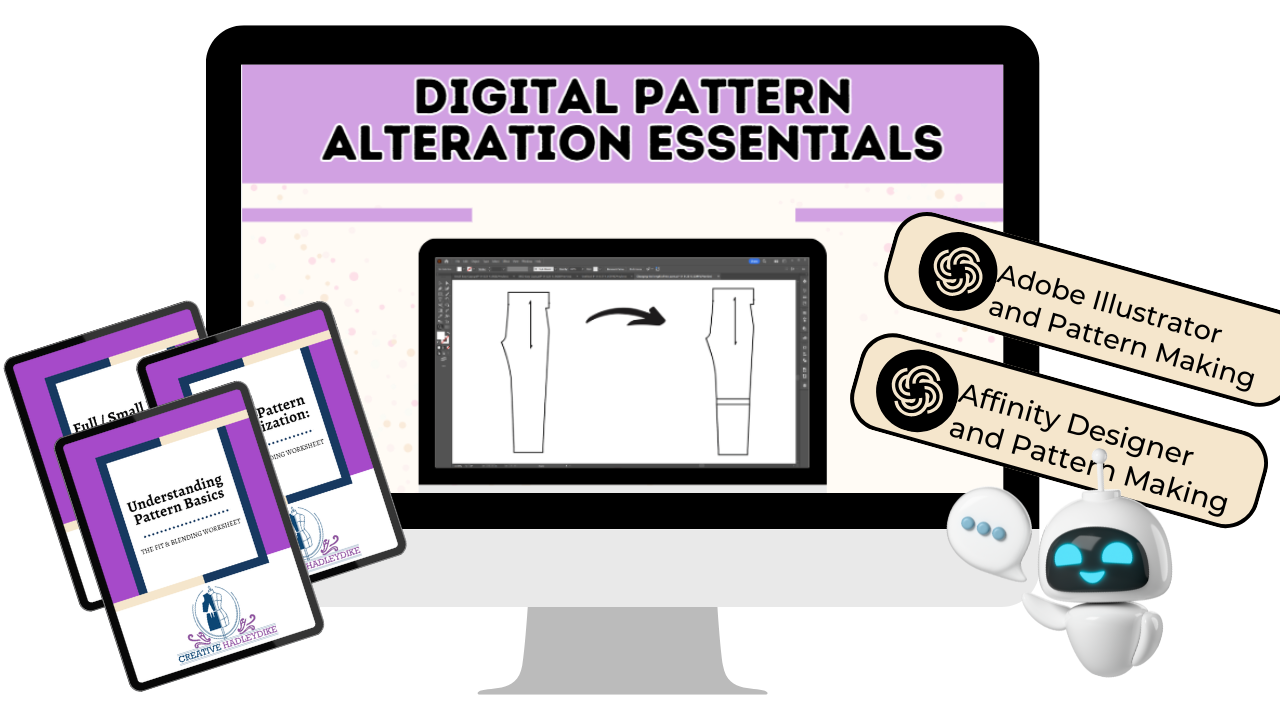

Here's what you get:
✔️Start Customizing Your Patterns Digitally
✔️Bust Adjustment Visual Guides
✔️Digital Pattern Customization Workbook
✔️Understanding Pattern Basics Guide
✔️Illustrator Pattern Assistant (Custom GPT)
✔️Affinity Designer Pattern Assistant (Custom GPT)
Today Just $197
✔️Lifetime access
✔️Future course updates included
✔️Learn at your own pace
Once your sewing patterns exist digitally, something exciting happens.
They stop being fixed instructions.
And start becoming something you can refine, experiment with, and evolve.
Digital alterations open the door to a much more flexible and creative sewing process.
And this course will show you exactly how to begin.
Frequently Asked Questions
Do I need to know Adobe Illustrator or Affinity Designer before taking this course?
No. You don’t need to be an expert in either program.
The course focuses on the specific tools used for pattern alterations, and I walk through them step by step as we apply them to real pattern adjustments.
Many students begin the course with little or no experience in the software and build confidence as they practice.
Can I use Affinity Designer instead of Adobe Illustrator?
Yes.
The course demonstrates techniques primarily in Adobe Illustrator, but the same vector editing concepts apply to Affinity Designer.
You’ll also receive an Affinity Designer Pattern Assistant that helps translate the techniques into that software environment.
Do I need CLO3D for this course?
No.
This course focuses on vector-based pattern editing, which works beautifully inside Illustrator and Affinity Designer.
If you later explore CLO3D, many of the pattern-making concepts you learn here will still apply.
Is this course only for people who want to sell sewing patterns?
Not at all.
Many students take this course simply to:
• customize patterns for their own body
• adjust patterns for family members
• experiment with design variations
• keep their sewing patterns organized digitally
Selling patterns is optional — the skills are just as useful for personal sewing.
I usually work with paper patterns. Will this still help me?
Yes.
This course is specifically designed for sewists transitioning from paper patterns to digital workflows.
You’ll learn how familiar pattern alterations translate into digital tools so the process feels recognizable instead of confusing.
What if I’m not very techy?
That’s a common concern.
You don’t need to become a software expert to benefit from digital pattern making.
The course focuses on pattern thinking first, and then shows how the software supports those decisions.
Many students find that once they see the workflow, the tools begin to feel much more approachable.
How long do I have access to the course?
You’ll receive lifetime access to the course along with any future updates.
This allows you to return to the lessons whenever you want as your digital pattern skills continue to grow.
Will this teach me how to draft patterns from scratch?
This course focuses specifically on pattern alterations and customization.
If you later decide to explore full pattern drafting, these skills become an excellent foundation.
Many students who enjoy this course continue their learning inside the Digital Pattern Drafting Academy, where we go deeper into drafting complete patterns.
What if I get stuck while learning?
Along with the course lessons, you’ll also receive the Illustrator and Affinity Pattern Assistants, which can help answer questions while you’re working through the techniques.
These tools act like an additional layer of support as you practice digital alterations.
How long is the course?
The course currently includes over 5 hours of instructional video demonstrating real pattern alterations and workflows you can apply to your own sewing patterns.
Additional lessons may be added over time as the course expands.
Is this the right place to start if I’m curious about digital pattern making?
Yes.
Many students use Digital Pattern Alterations Essentials as their first step into digital pattern work because it focuses on something very practical — modifying patterns they already use.
Once you feel comfortable altering patterns digitally, it becomes much easier to explore deeper pattern drafting skills later.