Stop Starting From Someone Else's Pattern.
Build your own complete digital sloper library — woven and knit — and create any garment you want from a foundation that fits you perfectly.
Picture this.
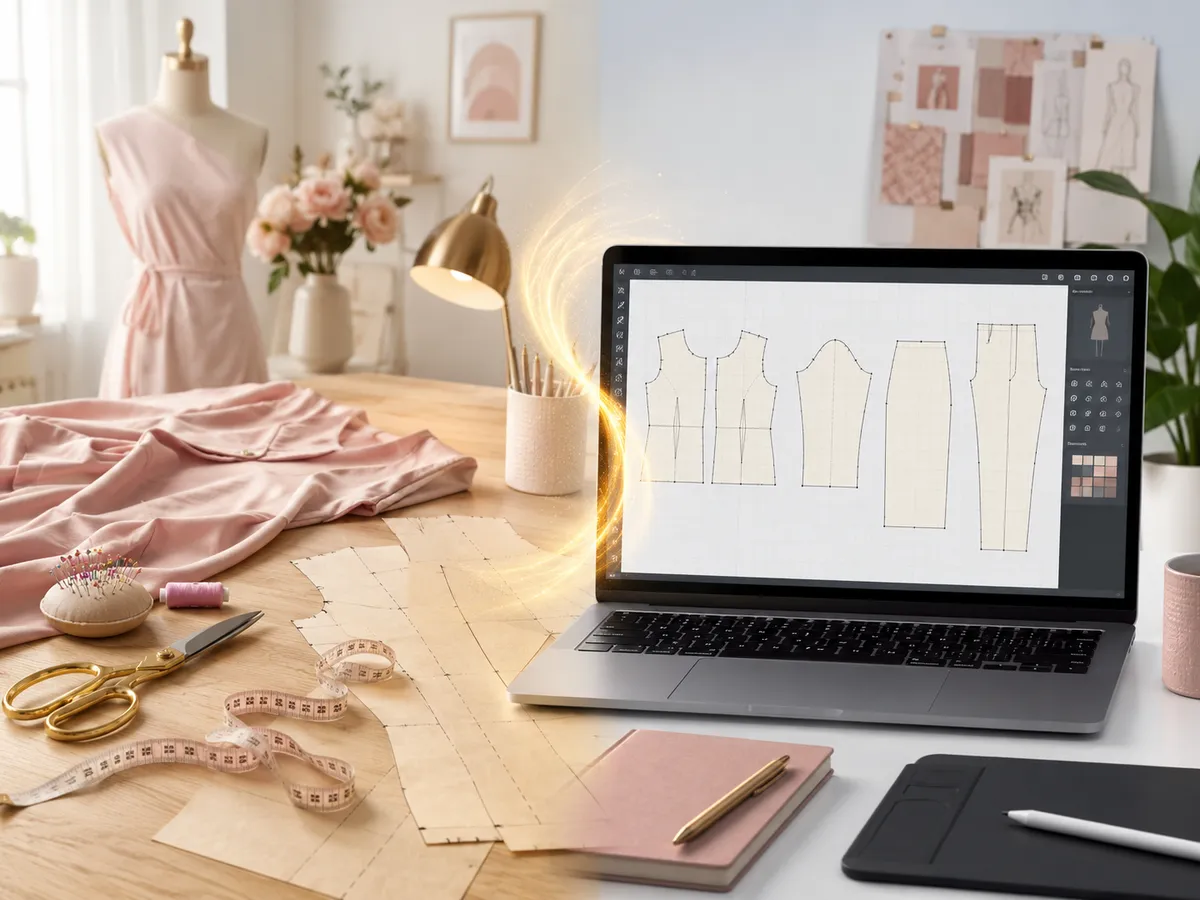
You sit down to start a new garment. You're not hunting for a commercial pattern that's close enough. You're not about to spend an hour making fit corrections before you've even started designing.
You open your digital sloper — your fitted block, drafted to your exact measurements — save it as a new file, and start creating.
You adjust a dart. Reshape a neckline. Add a design line. Extend a hem.
The whole time you're working — you're designing. Not fixing. Because the fit is already built in.
Every pattern you make from this point forward starts from a place of fit — not a place of fixing.
That is what your own digital sloper library gives you.
A complete set of woven and knit blocks, drafted digitally, fitted to your body, yours to use as the starting point for anything you create — for the rest of your sewing life.
But right now something is getting in the way.
Maybe you've been sewing for years and you're ready to take your pattern making to the next level but every time you think about going digital, you don't know where to start.
Maybe you've opened CLO3D or Illustrator, stared at the screen, and felt like everything you know about pattern making disappeared.
Maybe you've been searching YouTube, piecing together tutorials, hitting walls and you still don't have your slopers.
Here's what I want you to understand.
That's not a skill problem. That's a structure problem.
Your hand drafting knowledge didn't disappear when you opened the software. You just need the bridge between what you already know and how it works in the digital world.
That bridge is exactly what this course provides.
Introducing Draft Your Digital Slopers Bundle
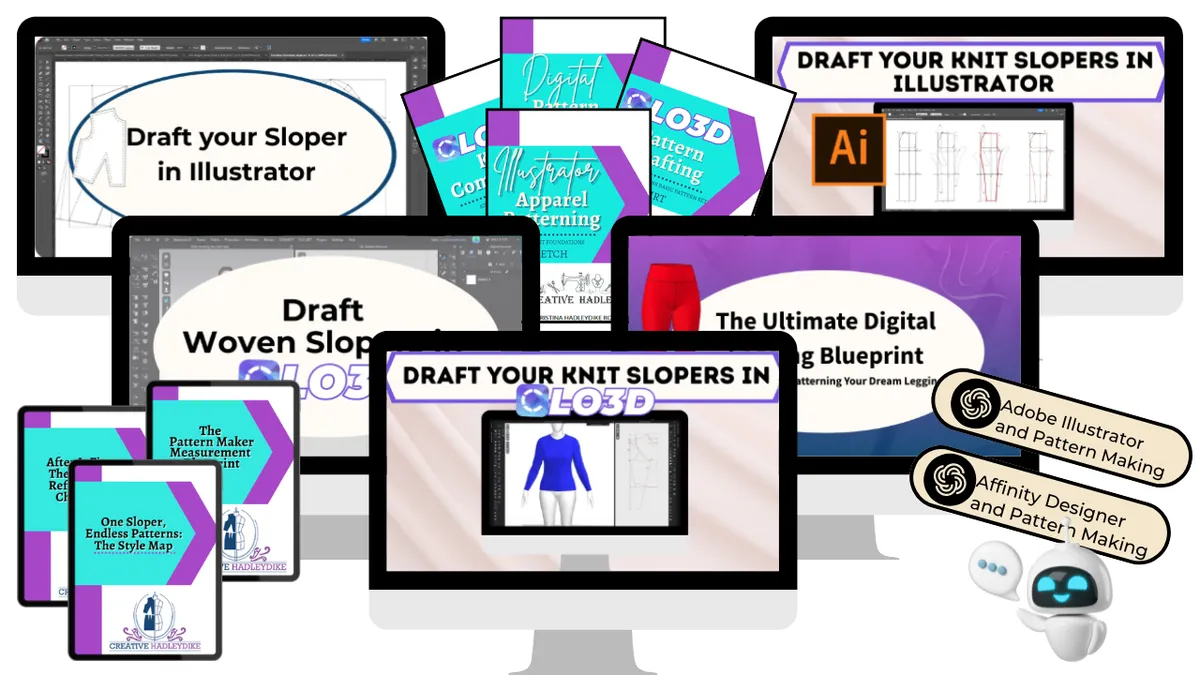
A complete step by step course for sewists and hand drafters who are ready to build their own digital sloper library (woven and knit) in the program that works best for them.
No piecing it together from tutorials. No guessing what comes next. A clear, structured path from your measurements to a complete set of fitted digital blocks that are yours to keep and use forever.
Is this for you?
This course is for you if…
✔️ You've been sewing for a while and you're ready to stop adjusting other people's patterns and start building your own.
✔️ You want to draft your slopers digitally but you don't know where to start — or how to translate what you know from your pattern books into a program on a screen.
✔️ You're drawn to CLO3D, Illustrator, Affinity Designer, or another digital tool — and you want a structured path to get your slopers done, not a pile of tutorials to piece together yourself.
✔️ You're serious about the craft. You want to understand pattern making deeply enough to make anything you can imagine — fitted to your body, in your program, your way.
This course is not for you if…
✔️ You want to hand-draft your slopers. This course is entirely digital — we work in CLO3D and Illustrator throughout.
✔️ You've never opened CLO3D or Illustrator before and you're not comfortable with the basics yet. This course focuses on the drafting — not the software fundamentals. If you're brand new to both programs, we'd recommend pairing this with an intro course first so you can hit the ground running.
✔️ (Not sure if you're ready? Drop me a message — I'll tell you honestly.)
Here's what becomes possible when you finish this course
Once you have your complete digital sloper library you can draft any woven garment — blouses, dresses, jackets, skirts — starting from your own fitted bodice, sleeve, and skirt blocks.
You can draft any knit garment — fitted tops, leggings, pants, t-shirts — starting from blocks designed specifically for stretch fabric.
You can make pattern alterations digitally in a fraction of the time it takes by hand — duplicate your block, manipulate it, and create a new pattern without ever touching paper.
And you can do all of it knowing that the foundation underneath everything fits you — not a standardized size, not someone else's measurements. Yours.
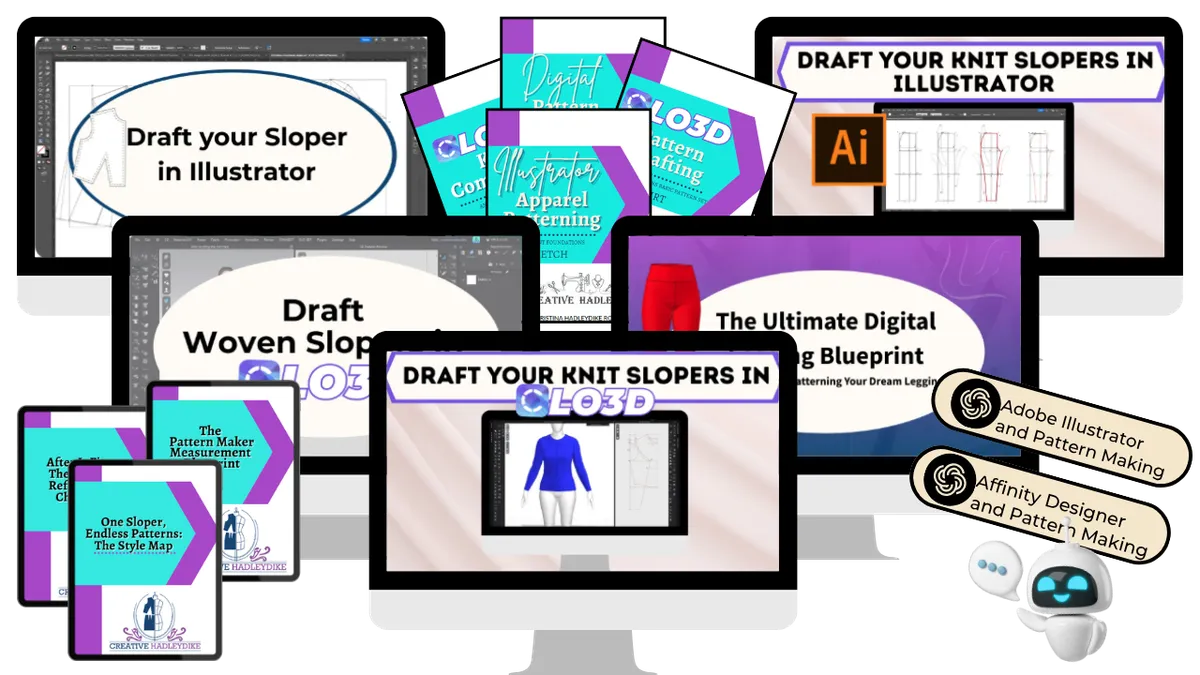
One bundle. Five complete courses. Everything you need to draft your slopers digitally in the program you choose.
Most courses teach you one program or one fabric type. This bundle covers both — so no matter where you're starting from or where you want to go, you have the complete path in one place.
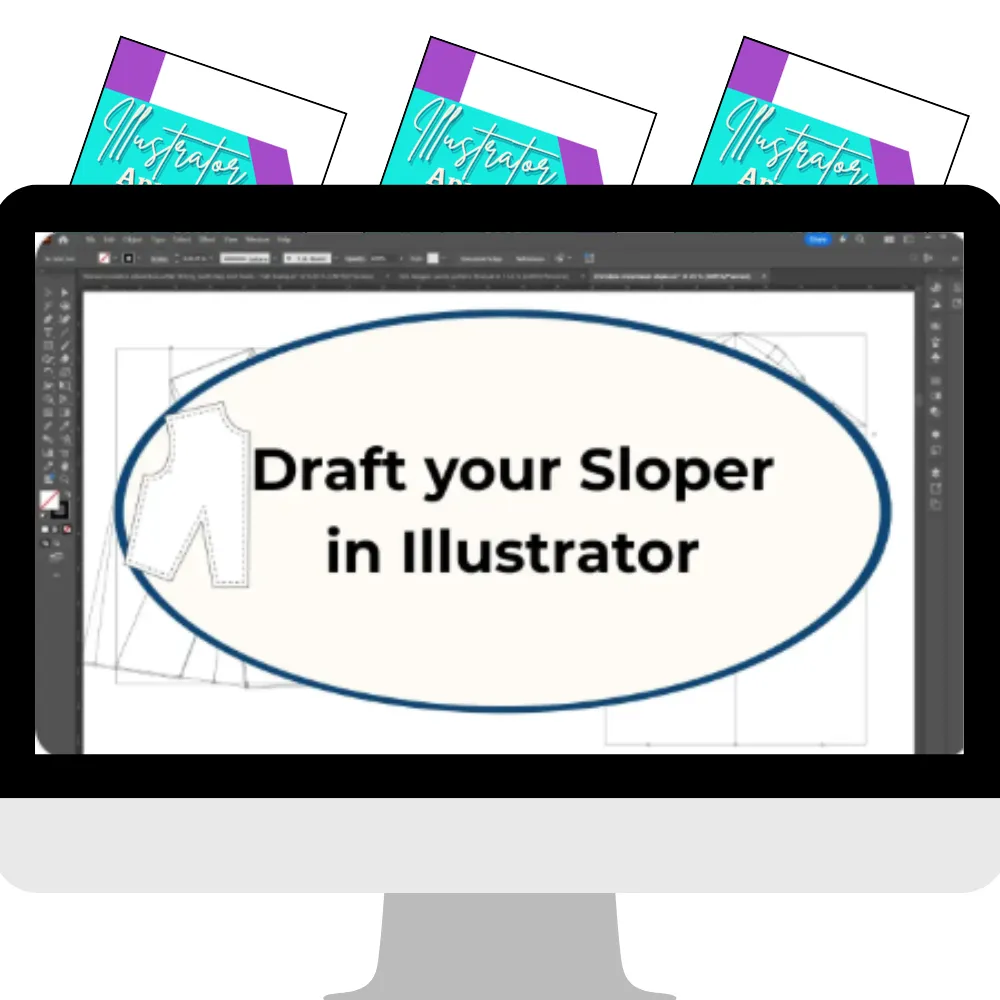
Draft Your Woven Slopers in Adobe Illustrator
Build your complete woven sloper foundation using Adobe Illustrator — one of the most widely used vector programs in the fashion and pattern making industry.
You'll draft: Women's Bodice · Sleeve · Skirt - Men's Bodice · Sleeve · Pants
Step by step workbook and follow-along videos guide you through every block from your measurements to your finished digital sloper. You'll learn how to draw precise lines, shape curves, true your seams, and mark your grainlines — all using Illustrator's tools the way a pattern maker would.
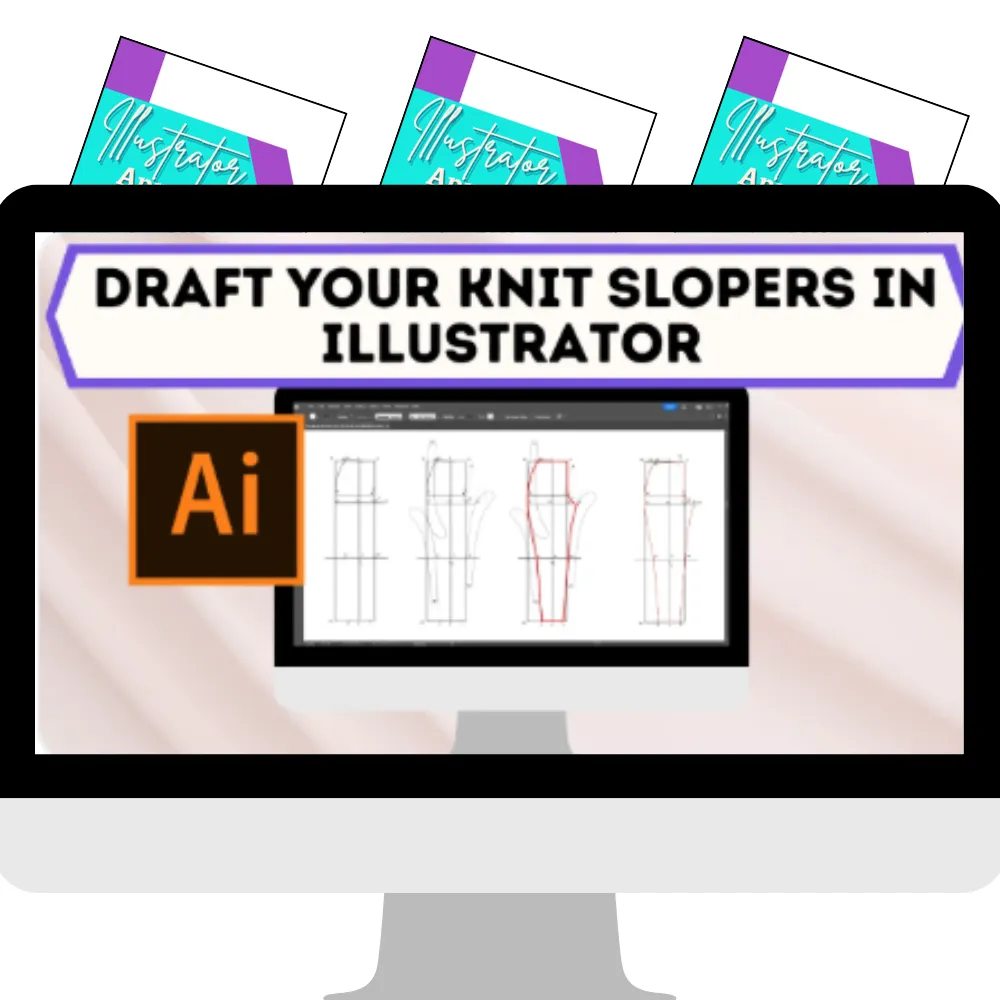
Draft Your Knit Slopers in Adobe Illustrator
Knit fabric behaves differently — and your slopers need to reflect that. This course walks you through drafting a complete knit sloper library in Illustrator, accounting for stretch, recovery, and the unique ease requirements of knit construction.
You'll draft: Women's Bodice Block · Hip Foundation · Sleeve · Pants · Leggings · T-Shirt Block
Draft Your Woven Slopers in CLO3D
Build your complete woven sloper foundation inside CLO3D — with the added power of being able to simulate your pattern on a 3D avatar and see how it fits before you ever cut a piece of fabric.
You'll draft: Women's Bodice · Sleeve · Skirt - Men's Bodice · Sleeve · Pants
Step by step workbook and follow-along videos walk you through every block — so you're learning to draft inside CLO3D's 2D pattern space with the confidence of knowing your work translates directly into a wearable garment.
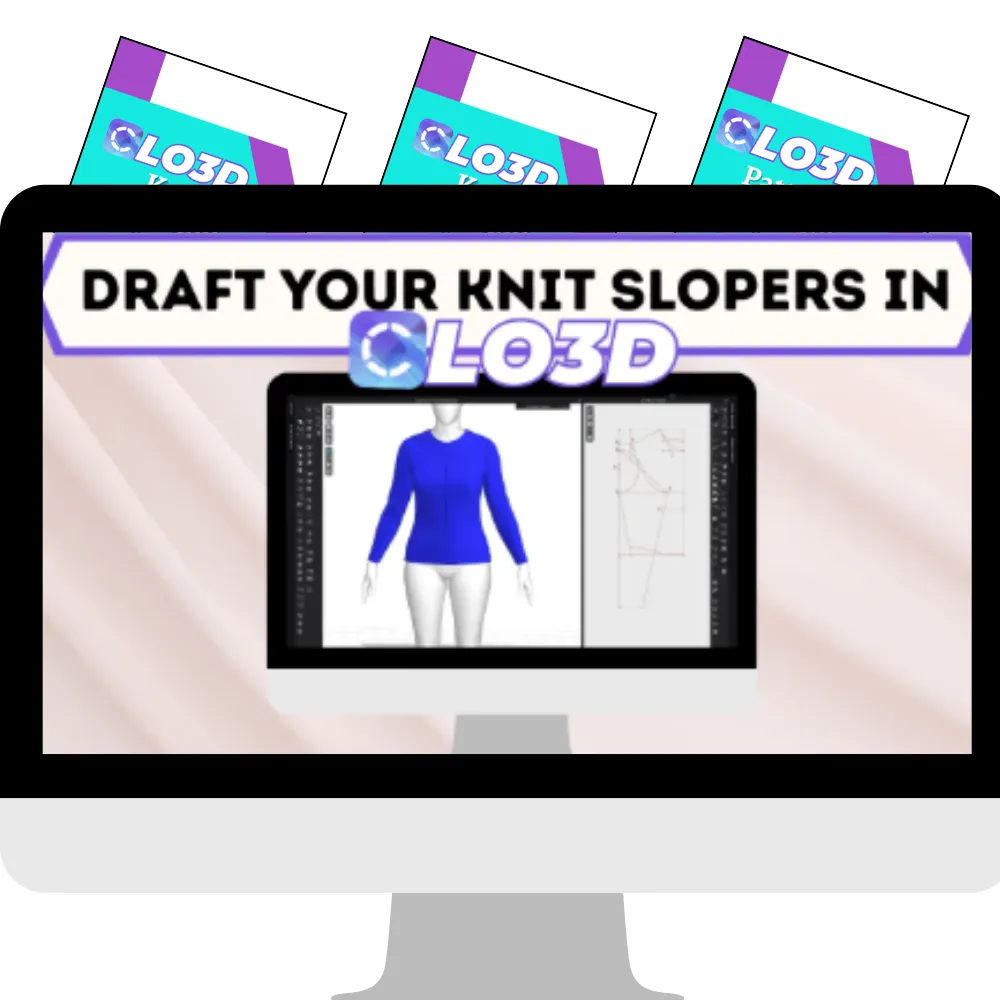
Draft Your Knit Slopers in CLO3D
Take everything you know about knit construction and bring it into CLO3D. This course walks you through drafting a complete knit sloper library — and with CLO3D's 3D simulation, you'll be able to see exactly how your knit blocks drape and move on a body before you commit to fabric.
You'll draft: Women's Bodice Block · Hip Foundation · Sleeve · Pants · Leggings · T-Shirt Block
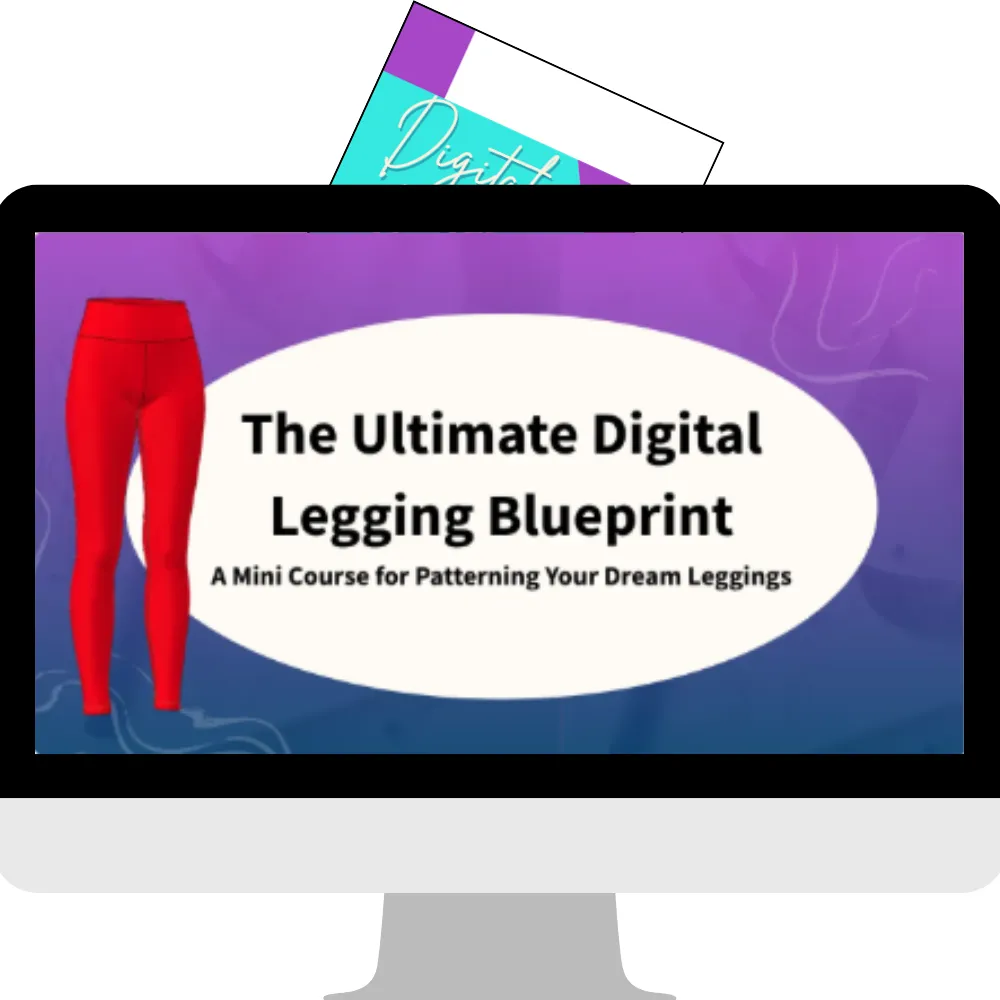
⭐ BONUS COURSE
The Ultimate Digital Legging Blueprint
Everybody loves leggings — and this standalone course is dedicated entirely to drafting, fitting, and sewing them digitally from start to finish.
What makes this course special is that it covers all three programs (Adobe Illustrator, Affinity Designer, and CLO3D) so no matter which tool you're using, you have the step by step drafting path for your legging block.
Your Built-In Digital Drafting Assistants
The Adobe Illustrator Pattern Making Chatbot
Stuck on a tool, a shortcut, or a step inside Illustrator? This custom AI assistant was built specifically for pattern makers working in Illustrator. Ask it anything about the drafting process and get a specific, helpful answer — right inside your course. No more searching YouTube for the answer to one question.
The Affinity Designer Pattern Making Chatbot
Working in Affinity Designer instead of Illustrator? You're covered. This custom AI assistant is built specifically for pattern makers using Affinity Designer — so you have the same built-in support no matter which vector program you're working in.
Two AI assistants. Both included. Both built specifically for digital pattern making — not generic software help.
I feel like I could confidently move forward with adapting the basic sloper into any garment I could dream up.
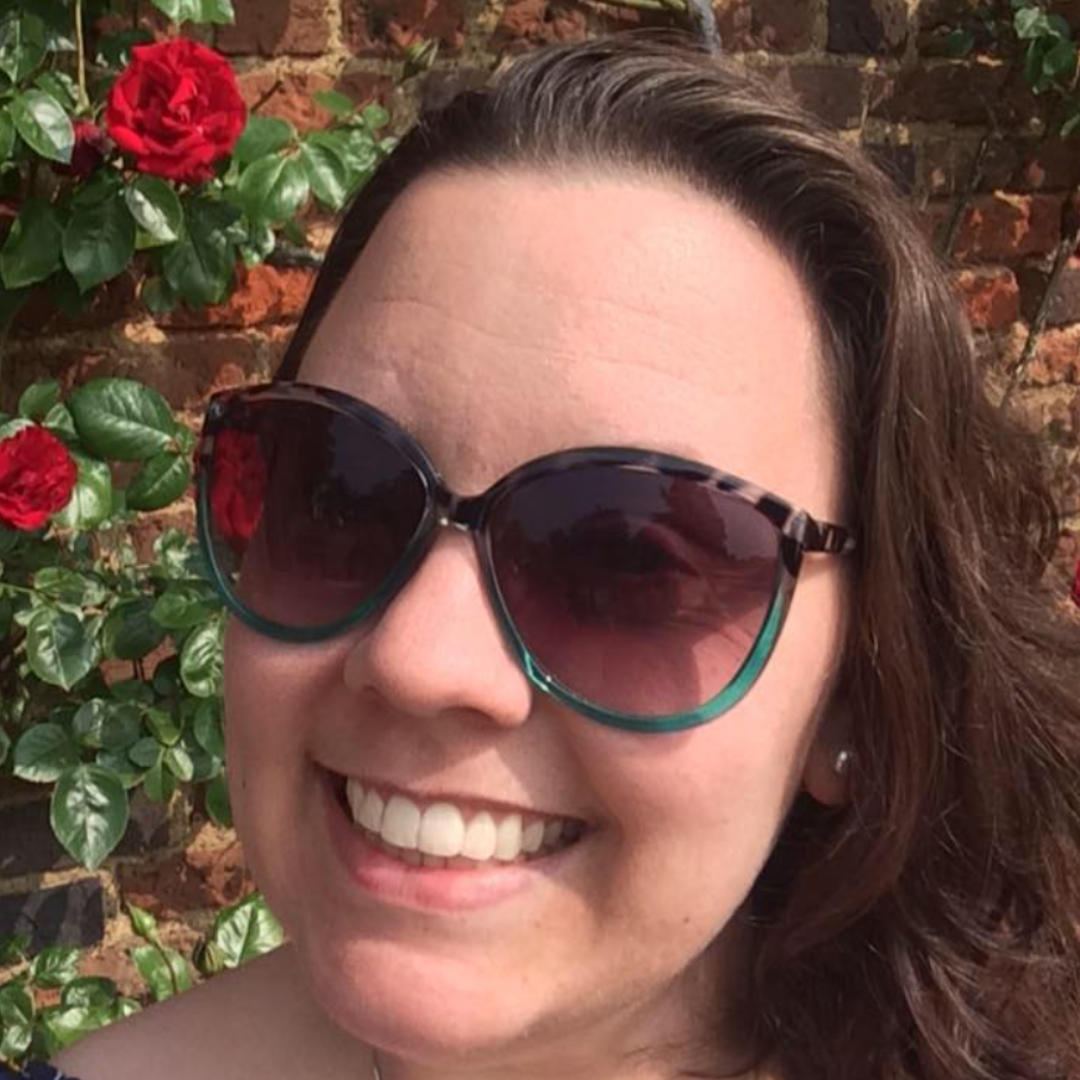
Your program. Your choice.
The course covers both CLO3D and Adobe Illustrator — so you work in the program that makes sense for you and your goals.
CLO3D is a 3D garment simulation software. You draft in 2D and can simulate your pattern on a 3D avatar to see how it fits before you cut a single piece of fabric. If you want to see your garment come to life on screen — CLO3D is incredibly powerful for that.
Adobe Illustrator is a vector-based design program. Precise, industry-standard, and widely accessible. If you're already familiar with Adobe products or working on a tighter budget, Illustrator is a strong foundation.
Already using Affinity Designer or Inkscape? The Illustrator path translates well — once you understand the drafting concepts and process, you can apply them in a compatible program.
Neither choice is wrong. That's why this course covers both.
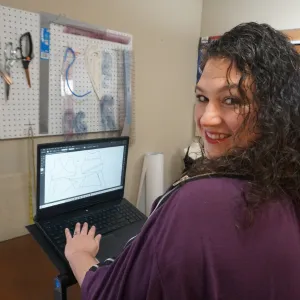
Hi, I'm Christina
I've been sewing for over 20 years and digitally drafting patterns for more than a decade. I made the switch to digital during grad school — where I earned my degree in Costume Technology — and honestly, I never looked back.
After school, when I could no longer access the expensive software I'd trained on, I taught myself Illustrator. Then I discovered CLO3D, and I've been using it for over four years. I also do freelance pattern making for others — so everything I teach comes from real, working experience. Not just theory.
I've spent years figuring out how to translate everything I knew from paper drafting into the digital world — and then building a clear, structured path so my students don't have to figure it out the hard way.
I created Draft Your Digital Slopers because I kept hearing the same thing from sewists and hand drafters: I want to do this digitally but I don't know where to start. This course is my answer to that question.
Why this course is different from piecing it together on YouTube
Free tutorials exist. I've watched plenty of them myself.
But here's what I hear most from people who try to learn digital sloper drafting on their own: they spend months searching, start and stop, hit walls they can't get past — and still don't have their slopers.
The problem isn't motivation. It's structure.
This course puts everything in the right order. The workbooks tell you what to do. The videos show you how. The custom GPT is there when you get stuck. And the content is designed specifically for people who already understand garment construction. So we skip the basics and go straight to the work.
You're not learning to be a beginner again. You're learning to take everything you already know and apply it with a new tool.
What others are saying
It saved me so much time. This course gave me a roadmap to follow and it changed my mentality. Just do it. Get it done.
Ana
I feel like okay, this person's the real deal. The value that we were given — there's bar none nothing else out there like it.
Christina
As far as CLO3D goes there's not a ton out there — so it's really nice to get in there with personal help and have someone showing you everything. You're not just watching a tutorial and trying to figure it out by yourself. You're putting it into practice while you learn.
Rachel
Introducing Draft Your Digital Slopers Bundle
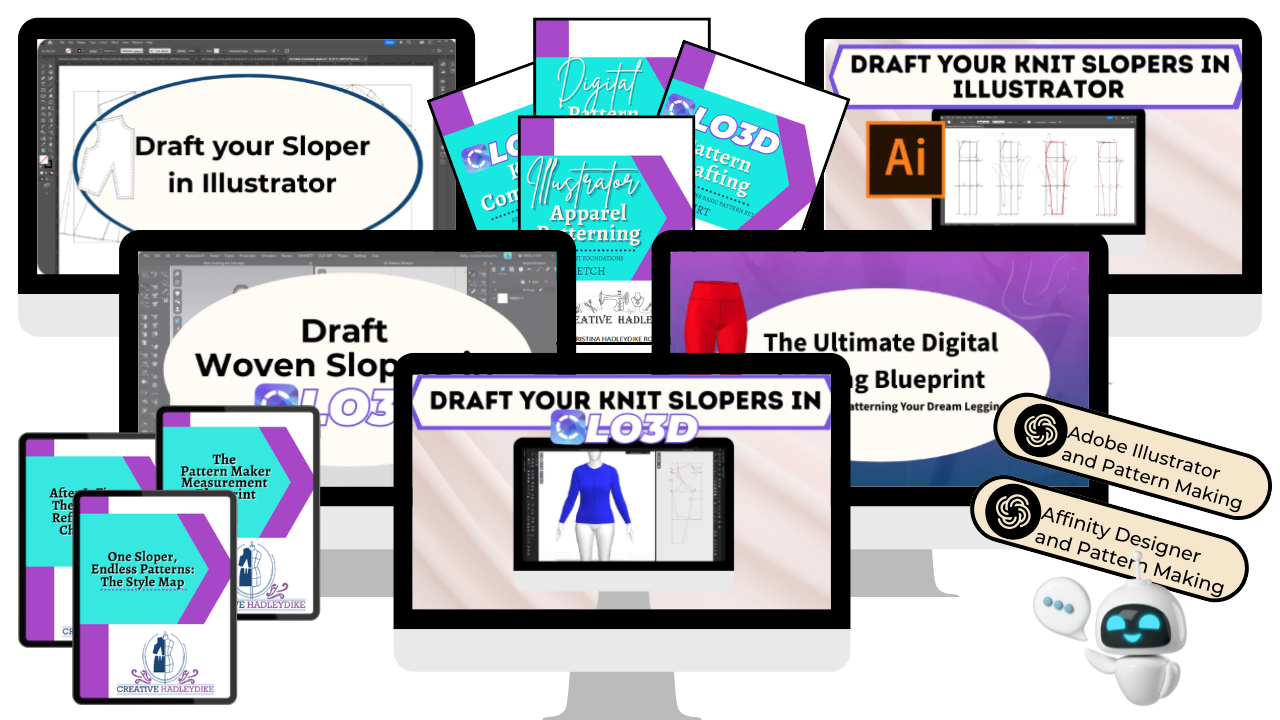

Here's what you get:
THE 5 COURSES
✔ Draft Your Woven Slopers in Adobe Illustrator Women's bodice, sleeve + skirt · Men's bodice, sleeve + pants
✔ Draft Your Knit Slopers in Adobe Illustrator Women's bodice block, hip foundation, sleeve, pants, leggings + t-shirt block
✔ Draft Your Woven Slopers in CLO3D Women's bodice, sleeve + skirt · Men's bodice, sleeve + pants
✔ Draft Your Knit Slopers in CLO3D Women's bodice block, hip foundation, sleeve, pants, leggings + t-shirt block
⭐ The Ultimate Digital Legging Blueprint (Bonus Course) Drafting, fitting + sewing leggings in Illustrator, Affinity Designer + CLO3D
ALSO INCLUDED
🤖 Adobe Illustrator Pattern Making Chatbot Built-in AI support specifically for digital pattern makers
🤖 Affinity Designer Pattern Making Chatbot Built-in AI support for Affinity Designer users
📋 Step by step workbooks for every sloper
🎥 Follow-along videos for every module
♾ Lifetime access — work at your own pace, come back anytime
💳 One-time payment — no subscription, no recurring fees
$197
One-time payment. Lifetime access. Every course, every workbook, every resource — yours to keep.
Your paper skills didn't disappear when you opened the software.
You need the bridge.
You've been sewing. You understand garments. You understand construction. You have years of knowledge that doesn't go away the moment you open a program on your screen.
What you've been missing is a clear, structured path to take everything you already know and build something that's yours. Fitted to your body. In your program. For the rest of your sewing life.
That path is right here.
A complete digital sloper library woven and knit, five courses, two AI assistants, lifetime access all in one place.
(slow this down when you read it) Stop adjusting other people's patterns. Start building from your own foundation.
Frequently Asked Questions
We understand lorem ipsum dolor sit amet, consectetur adipisicing elit.
Can't I just figure this out from free tutorials?
Maybe. But what I hear most from people who try that path is that they spend months searching, find tutorials that cover part of what they need, hit a wall, and still don't have their slopers six months later.
This course puts everything in one place, in the right order, designed specifically for digital sloper drafting. The investment is in your time as much as anything else.
I'm not sure the timing is right.
There's almost never a perfect time. And because you have lifetime access — you can enroll today and start when you're genuinely ready. You're not racing a deadline. You're just making sure the path is there when you are.
What if I start and don't finish?
Every sloper is its own complete module. Start with one block. Finish it. Even if you stopped there — that one fitted digital sloper is useful. Most people don't stop there. But even if you did — you'd have more than you started with.
I've never used CLO3D or Illustrator before.
If you're completely new to both programs, this course will be more challenging without some foundational software knowledge first. We'd recommend starting with an introductory program to get familiar with your chosen software — then coming back to this course ready to draft. Not sure where you stand? Send me a message and I'll help you figure it out.
Can I use Affinity Designer or Inkscape instead of Illustrator?
Yes — the Illustrator path translates well to compatible vector programs. You'll need to know your program's tools, but the drafting concepts and process apply across platforms.
Can I use a different 3D program instead of CLO3D?
If you're familiar with another 3D garment program and its tools, the drafting concepts in the CLO3D path can translate. The step by step videos are recorded in CLO3D specifically.
What if I get stuck?
Illustrator students have access to a custom GPT built specifically for this course. CLO3D students are pointed toward CLO3D's own live support resources which update in real time. And you can always drop questions in the course community.
Is there a payment plan?
The course is available as a one-time payment for lifetime access.
How long do I have access?
Lifetime. Come back whenever you need to reference a step, revisit a module, or start a new sloper.