From Paper to Pixels:
Your Guide to Digitizing Sewing Patterns
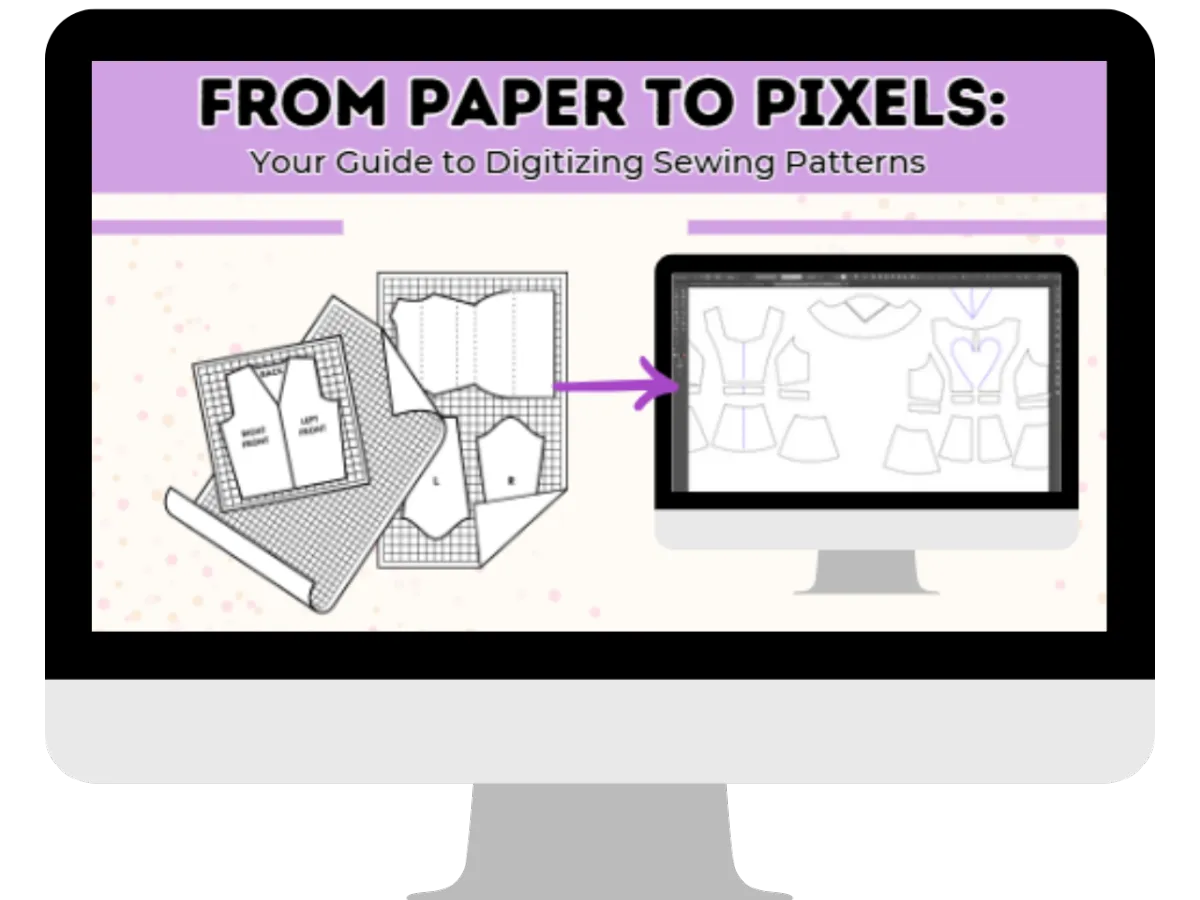
Turn your hand-drawn patterns into professional digital files you can edit, grade, and even sell — without the overwhelm.
From Paper to Pixels:
Your Guide to Digitizing Sewing Patterns
Turn your hand-drawn patterns into professional digital files you can edit, grade, and even sell — without the overwhelm.
Do Any of These Sound Familiar?
You have a beautiful pattern you’ve created — but only one paper copy, and you’re scared to lose it.
You’d love to sell your patterns, but they’re stuck in paper form and can’t be shared digitally.
You’ve dabbled in digital tools but feel lost when it comes to actually digitizing a pattern.
If you’re nodding along, you’re in the right place.
Introducing… From Paper to Pixels
This self-paced course walks you step-by-step through the process of taking your hand-drawn sewing patterns and transforming them into precise, editable, and professional digital files.
Whether you’re a hobbyist who wants to preserve and organize your patterns or an aspiring pattern seller ready to share your designs with the world, you’ll learn exactly what to do — in a friendly, approachable way that makes sense even if you’re brand new to digital drafting.
By the End of This Course, You’ll Be Able To…
Turn any hand-drawn pattern into a clean, accurate digital file.
Make edits, adjustments, and alterations without starting from scratch.
Save and organize your patterns so you’ll never lose them.
Prepare your files for printing, projecting, or sharing.
Lay the foundation for grading patterns to multiple sizes and selling them online.

Module 1: Welcome & Introduction
Get an overview of the tools, software, and materials you’ll need, plus tips for setting yourself up for success.
Module 2: Method 1 — Scanning & Importing
Learn how to scan your hand-drawn patterns and bring them into Adobe Illustrator for cleanup, precision tracing, and detail work.

Module 3: Method 2 — Photographing & Importing
Use a camera or smartphone to capture patterns, then import and trace them digitally for an accurate, scaled result.

Module 4: Method 3 — Projector Drawing
Skip paper entirely by using a projector to draw your patterns digitally — perfect for certain workflows and saving time.
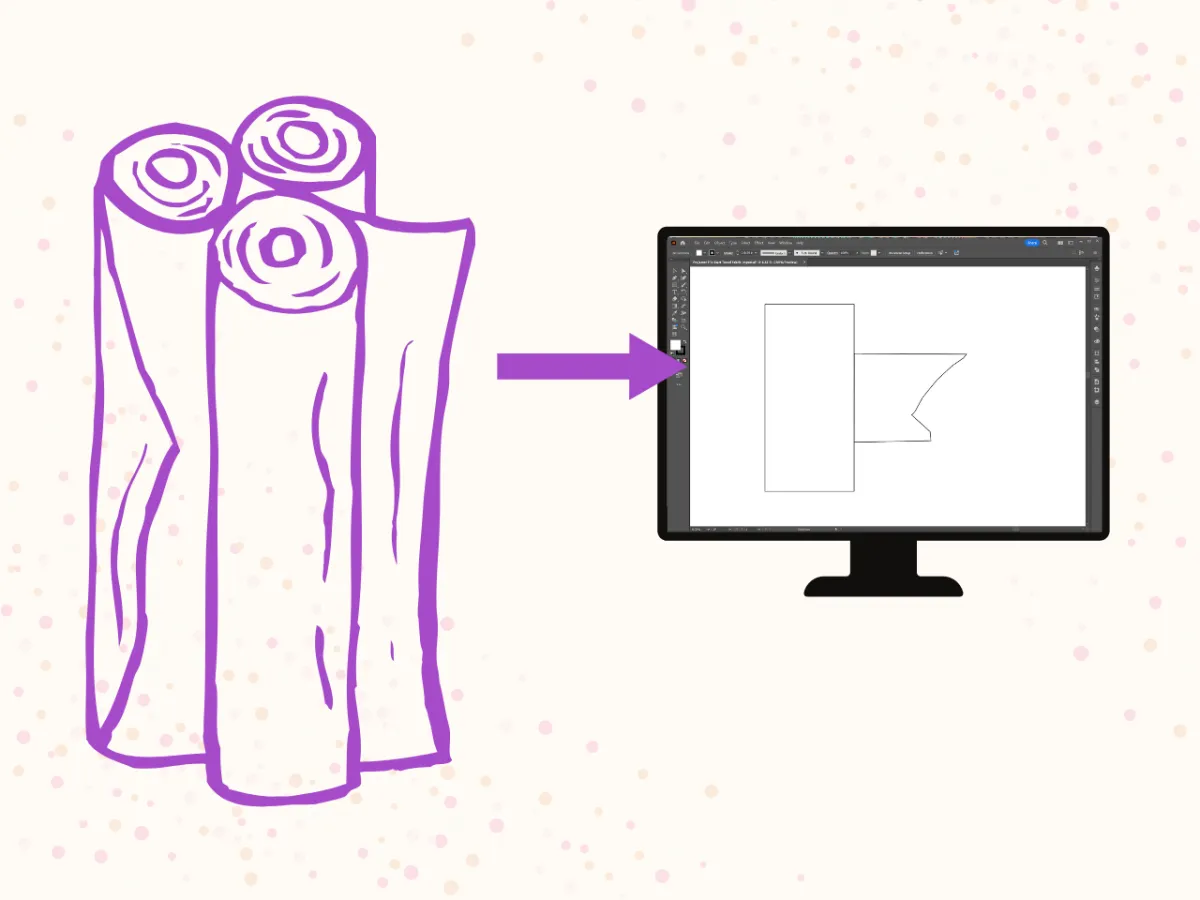
Module 5: Bonus — Tracing Fabric
Digitally trace fabric remnants to check if your pattern pieces will fit before you cut.

Module 6: Finalizing Your Newly Digitized Patterns
Add seam allowances, grainlines, notches, and other essential details. Save your work in multiple formats like PDF, and AI.
Module 7: Setting Up Print Boards
Prepare your patterns for printing by creating accurate print boards that scale correctly.
Module 8: Conclusion & Next Steps
Recap your new skills, and discover how to build on them for even more advanced pattern work.
Module 1: Welcome & Introduction
Get an overview of the tools, software, and materials you’ll need, plus tips for setting yourself up for success.
Module 2: Method 1 — Scanning & Importing
Learn how to scan your hand-drawn patterns and bring them into Adobe Illustrator for cleanup, precision tracing, and detail work.
Module 3: Method 2 — Photographing & Importing
Use a camera or smartphone to capture patterns, then import and trace them digitally for an accurate, scaled result.
Module 4: Method 3 — Projector Drawing
Skip paper entirely by using a projector to draw your patterns digitally — perfect for certain workflows and saving time.
Module 5: Bonus — Tracing Fabric
Digitally trace fabric remnants to check if your pattern pieces will fit before you cut.
Module 6: Finalizing Your Newly Digitized Patterns
Add seam allowances, grainlines, notches, and other essential details. Save your work in multiple formats like PDF, and AI.
Module 7: Setting Up Print Boards
Prepare your patterns for printing by creating accurate print boards that scale correctly.
Module 8: Conclusion & Next Steps
Recap your new skills, and discover how to build on them for even more advanced pattern work.
The Tools We’ll Use
You’ll learn inside Adobe Illustrator and Clo3D, with Affinity Designer coming soon. Each lesson shows you step-by-step how to complete the process — even if you’ve never opened the software before.
Why Learn From Me
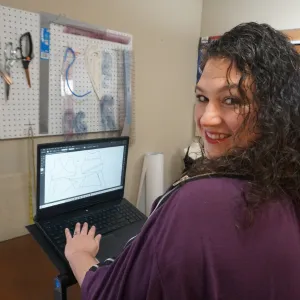
Hi, I’m Christina — a master pattern maker with over 20 years of sewing and design experience. I have a Master’s Degree in Costume Technology, I sell my own patterns on Etsy, and I’ve helped Many sewists go from “I have this paper pattern” to “I have a professional digital file I can use forever.”
I know how intimidating digital drafting can seem, so I break it down into simple, approachable steps that make you feel confident from the start. My goal is to help you create patterns you’re proud to use, wear, and share!
Start Digitizing Now!👇
$67
$47
Lifetime access to all 8 modules
Step-by-step video lessons
Access to future updates
7-Day Satisfaction Guarantee: If you’re not 100% happy with the course, just let me know within 7 days and I’ll refund your purchase.

Ready to Bring Your Patterns Into the Digital Age?
Don’t let your designs stay trapped on paper. With From Paper to Pixels, you’ll gain the skills and confidence to digitize any sewing pattern — and open up a whole new world of creative possibilities.
Start Digitizing Now!👇
$67
Lifetime access to all 8 modules
Step-by-step video lessons
Access to future updates
7-Day Satisfaction Guarantee: If you’re not 100% happy with the course, just let me know within 7 days and I’ll refund your purchase.
Ready to Bring Your Patterns Into the Digital Age?
Don’t let your designs stay trapped on paper. With From Paper to Pixels, you’ll gain the skills and confidence to digitize any sewing pattern — and open up a whole new world of creative possibilities.
STILL NOT SURE?
Frequently Asked Questions
I know that enrolling in a course is an investment of your time, money, and creative energy — and you want to be sure it’s the right fit. Below, I’ve answered the most common questions students have before joining From Paper to Pixels, so you can feel confident taking the next step toward digitizing your patterns.
I’m brand new to digital tools. Will this course be too advanced for me?
Not at all! This course was designed for beginners who have little to no experience with digital pattern drafting. I walk you through every step, and you can pause, rewind, and rewatch lessons anytime.
Do I need to buy all the software you use in the course?
No. I demonstrate the process in Adobe Illustrator and Clo3D (with Affinity Designer coming soon), but you don’t need to own all of them. You can follow along using just the software you already have or choose the one that fits your budget and needs.
What if I don’t have a scanner or projector?
That’s okay! I teach multiple methods — scanning, photographing, and projector drawing — so you can choose the one that works best with the tools you already own.
How long will I have access to the course?
You’ll have lifetime access to the course, including any updates or new lessons I add in the future.
Will I learn how to sell my patterns in this course?
While the course focuses on digitizing your patterns, the skills you learn will prepare you to edit, grade, and format your patterns for sale. If you want to sell them, you’ll be ready to take that next step.
Can I take this course at my own pace?
Yes! This is a self-paced course, so you can work through the lessons whenever it fits your schedule.
What if I need help while I’m taking the course?
You’ll have access to my support email, and you can also purchase an optional 1-on-1 coaching session for personalized guidance.
What if I’m not happy with the course?
I offer a 7-day satisfaction guarantee. If you’re not completely happy with your purchase, email me within 7 days of enrolling for a full refund.
Will I learn how to grade my patterns in this course?
No. Grading (resizing patterns to multiple sizes) isn’t in this course, but once your patterns are digitized, you’ll be set up to learn and apply grading techniques more easily.
Do I have to be “techy” to succeed in this course?
Absolutely not. My teaching style is friendly, step-by-step, and approachable, even for those who feel nervous about learning new software.
I’m not sure if I have time to start right now. Should I wait?
You don’t need to wait — this course is completely self-paced, and you’ll have lifetime access. That means you can start now, even if you only have a little time each week, and come back to the lessons whenever it works for you. The sooner you start, the sooner you’ll have your first pattern digitized!
I’m still not sure if I can actually learn this… what if I fail?
I’ve taught many sewists who felt exactly the same way before they started — and every single one was surprised at how quickly they picked it up with my step-by-step lessons. Plus, you’ll have my 7-day satisfaction guarantee, so there’s no risk. You might be amazed at what you can create once you give yourself the chance!