For pattern makers who are ready grade their patterns to sell
Grade Your Patterns the Right Way — And Finally Sell Them in Every Size
The complete system for grading sewing patterns — from calculations to finished export — in Adobe Illustrator and CLO3D.
Self-paced · Lifetime access · One payment
Introducing Pattern Grading Pro
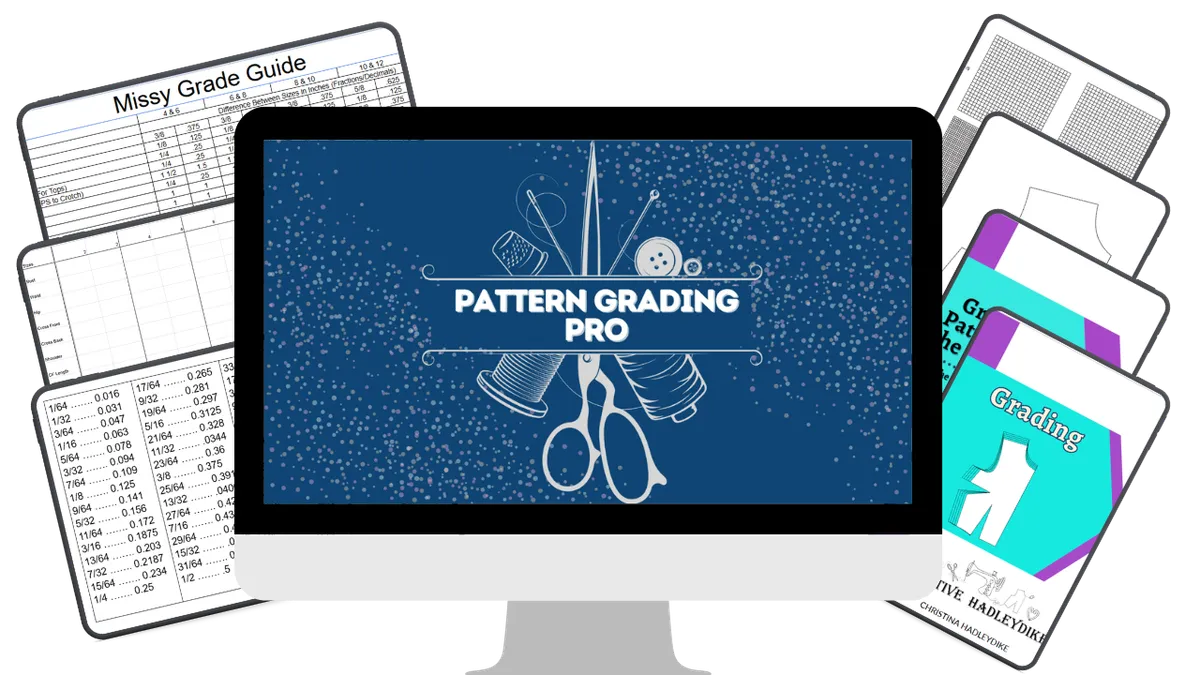
The step-by-step course that teaches you how to grade your sewing patterns accurately — using a proven calculation system — in Adobe Illustrator and CLO3D.
You made the pattern. Now grading is the wall.

You've put real work into your pattern. You've tested the fit. You've refined it. And now you want to sell it — which means you need to grade it to multiple sizes.
But here's where most pattern makers get stuck.
Nobody really teaches grading.
Not YouTube. Not most sewing books. And honestly? Not even most fashion school programs.
You've been shown that grading happens — but never really taught how.
So you either avoid it entirely, try to figure it out by eye, or spend hours searching for an explanation that actually makes sense.
And in the meantime — your pattern sits there. Ungraded. Unsold.
You might be nodding at one of these:

You've watched grading videos but still can't figure out where the numbers come from
You've tried grading a pattern and something looked off — but you couldn't figure out why
You know you need to grade to multiple sizes but you don't know which method to use or where to start
You've been sewing or drafting for years and feel like you should already know this
You want to sell your patterns but grading has been the thing holding you back
If any of that landed — you're in the right place.
This isn't a talent problem. It's a missing education problem.
Grading has a system. A real, learnable, repeatable system.
And once you understand it — the calculations, the methods, the tools — grading stops feeling like guesswork.
It becomes a skill you can apply to any pattern, any size range, any time.
That's what Pattern Grading Pro is built to give you.
Introducing Pattern Grading Pro
By the end of this course, you will:
Understand what grading actually is — and why it's completely different from resizing
Know how to calculate your grade amounts from any size chart or measurement chart
Be able to grade patterns using multiple methods — so you can choose what works for your project
Grade confidently in Adobe Illustrator using anchor points, grid method, and full garment workflows
Grade in CLO3D and use the simulation feature to check fit across all sizes before you export
Know how to plan a grading project before you open any software
Have a complete reference tool — the Grading Calculation Cheat Sheet — to use every time you grade
Walk away with the foundation to grade any pattern, in any size range, for sale
Here's everything inside Pattern Grading Pro
MODULE 1 — Welcome and Getting Started
Welcome — Let's Start Grading An orientation to the course and how to get the most out of it. You'll also find your downloads here — including the Grading Calculation Cheat Sheet.
MODULE 2 — Intro and Methods of Grading
This is the foundation. Before you touch a pattern, you need to understand the system behind grading — the language, the logic, and the methods available to you.
What's covered:
✔️ Intro to Grading and Terminology — the language of grading, clearly explained
✔️ Methods of Grading — an honest overview of every approach so you can choose what's right for your workflow
✔️ Difference Between Grading and Altering — a distinction most people don't know, and one that changes how you approach your patterns
✔️ Grading Chart — how to read one, where they come from, and how to use one as your guide
✔️ How to Use a Measurement Chart to Create the Grade Size — the calculation method that answers the question everyone asks: where do the numbers actually come from?
MODULE 3 — Grading Methods in Practice
Now you apply the system. This module walks through every grading method — by hand and in software — so you build both understanding and skill.
What's covered:
✔️ Grading by Slash and Spread — the foundational method that makes the logic of grading visual and clear
✔️ Illustrator Grading — full step-by-step grading in Adobe Illustrator: — Grading Front: Size 8 to Size 10 — Grading Back: Size 8 to Size 10 — Grading the Sleeve: Size 8 to Size 10 — Grading the Bodice: Size 8 to Size 6
✔️ Grading by Grid by Hand — the systematic manual method for precise, consistent grades
✔️ Grading by Grid in Illustrator — the same method applied digitally
✔️ Grading by Anchor Points in Illustrator — a clean, efficient approach to digital grading

MODULE 4 — Full Garment Example: A Shirt Graded Start to Finish
This is where everything comes together. Watch a complete grading project from planning to export — in both Illustrator and CLO3D.
What's covered:
✔️ Planning the Grading — the step most people skip, and the one that makes everything else work
✔️ Grading in Illustrator — the full workflow on a real shirt pattern
✔️ Grading in CLO3D — the same project in CLO3D, so you can see exactly how the tools compare

MODULE 5 — Next Steps
What's covered:
✔️ Common Questions About Grading — the questions that come up after the grade is done, answered clearly
✔️ Other Tips and Tricks to Help You Grade in Illustrator — including a grouping tip that will save you significant time
Is Pattern Grading Pro Right for you?
Pattern Grading Pro is right for you if:
You have a pattern you're proud of and you want to grade it to sell
You've tried to figure out grading on your own and hit a wall you can't get through
You want to understand the system — not just copy the steps — so you can grade any pattern confidently
You're working in Adobe Illustrator, CLO3D, or both
You're ready to stop guessing and start working from a proven method
This course is NOT for you if:
You're brand new to pattern making and haven't drafted or worked with patterns yet — start with the foundations first and come back to grading when you have a pattern ready to grade
You're looking for a quick hack or a workaround — this course teaches the real system, and that takes a little time and focus
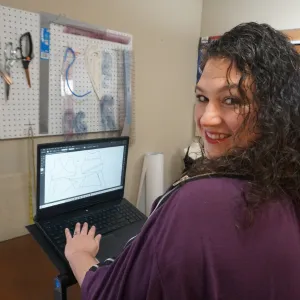
Hi, I'm Christina
I'm a digital pattern making educator and the creator of the Digital Pattern Drafting Academy.
I've been teaching sewists and pattern makers how to work digitally — in Adobe Illustrator and CLO3D — and one of the questions I get asked most consistently, across YouTube, in my courses, and in my community, is this:
"How do I actually calculate the grade?"
And what I've learned from years of teaching is that grading isn't hard — it's just undertaught. Even people who went to fashion school often left without a real understanding of how grading works.
Pattern Grading Pro is my answer to that gap.
It's the course I wished existed when I was learning — built around the actual system, not just the surface steps.
I teach grading in Adobe Illustrator and CLO3D because both tools are valid and both deserve to be covered properly. My job is to help you understand the thinking behind the grade so you can apply it no matter what tool you're using.
What others are saying

The coaching that Christina has given me will help me get closer to my goal of creating my own sewing pattern line. I have wanted to do this for so long but always thought I would have to outsource everything after I manually created my patterns. It has been such a relief to find this training.
Keniesha

I feel like I've taken a lot of classes with a lot of people, but it's not every day that I feel like — okay, this person's the real deal. And that's how I feel with you.
Christina
This course gave me a roadmap to follow... it saved me so much time. Instead of hesitating, I just jump in and get it done.
Ana
There's not a ton of CLO3D content out there, so it's really nice to be able to get in there with personal help and have someone showing you everything and having someone to answer your questions.
Rachel
INTRODUCING
Pattern Grading Pro
Everything you need to grade your patterns the right way — and sell them in every size.
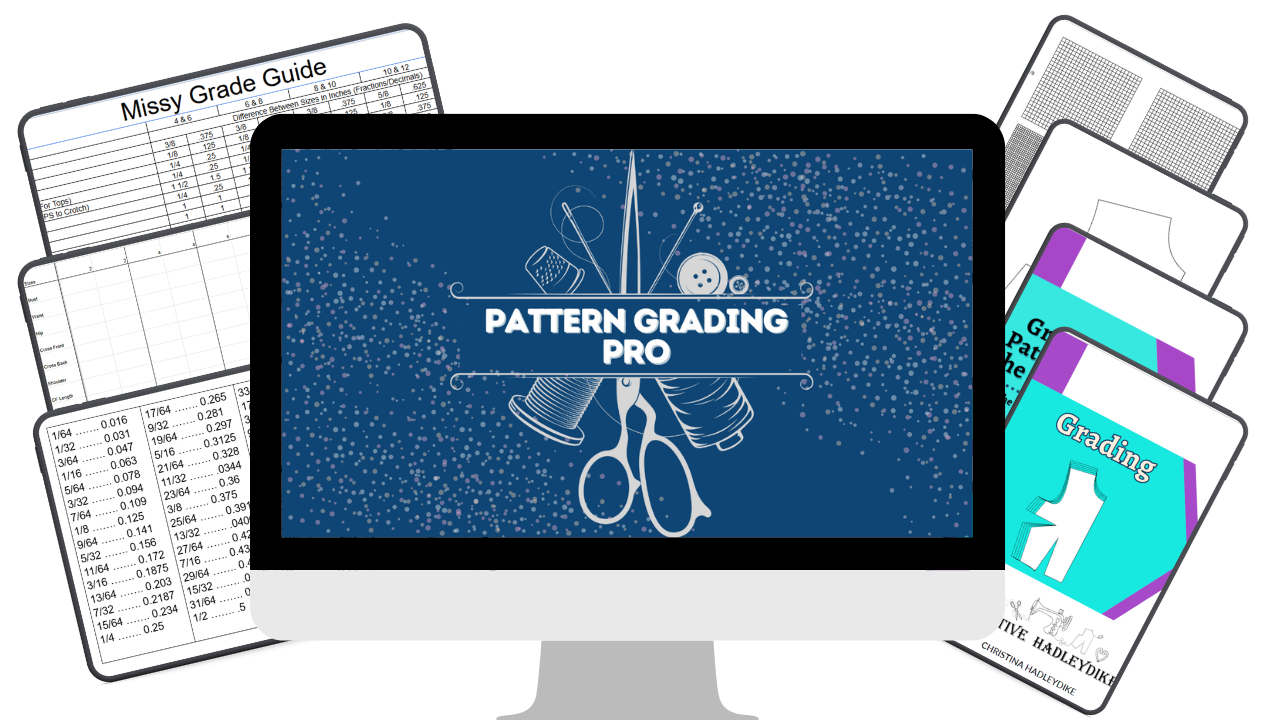

Here's what you get:
✓ Full course access — all modules and videos
✓ The Grading Calculation Cheat Sheet (yours to keep)
✓ Self-paced — go at your own speed
✓ Lifetime access — come back whenever you need to
✓ One payment — no subscription, no expiration
Today Just $197
Today Just $138
One payment · Lifetime access · Self-paced
Frequently Asked Questions
Do I need to know how to grade already?
No. This course starts from the foundation — the terminology, the system, the calculations — and builds from there. You don't need any prior grading experience. You do need to have some familiarity with pattern making, since grading is a next step after you have a pattern drafted.
Which software do I need?
Adobe Illustrator and/or CLO3D. The course covers both tools. You don't need both — if you're only working in one right now, you'll still get significant value from the course.
I went to fashion school. Will this cover things I already know?
Possibly some of it — but most students find that grading was either skimmed over or skipped entirely in their formal training. The calculation method especially tends to be something people never got a clear explanation of. If you already know the basics, the full garment examples and the Illustrator/CLO3D workflows will still give you a lot.
How long do I have access?
Lifetime access. Once you purchase, the course is yours. Come back as many times as you need to.
What if I have questions while going through the course?
Describe the item or answer the question so that site visitors who are interested get more information. You can emphasize this text with bullets, italics or bold, and add links.
What is pattern grading?
Pattern grading is the process of increasing or decreasing a pattern to create multiple sizes from a single base size. It is not the same as resizing or scaling — grading redistributes measurements at specific points across a pattern piece based on how the body actually changes between sizes. The result is a graded nest of sizes that all fit correctly, not just a bigger or smaller version of the same shape.
What is the difference between pattern grading and pattern altering?
Grading creates new sizes from a base pattern — it's how you go from one size to many. Altering adjusts a pattern to fit one specific person's measurements. They use some of the same techniques but they serve completely different purposes. Pattern Grading Pro covers grading specifically, including a lesson dedicated to explaining this distinction clearly.
How do you calculate pattern grade amounts?
Grade amounts are calculated by comparing the measurements between sizes on a grading chart or measurement chart. Pattern Grading Pro walks through this calculation method step by step, including a worked example and the Grading Calculation Cheat Sheet you can use every time you grade.
What is a grading chart and do I need one?
A grading chart is a reference tool that shows the standard measurements for each size in a size range and how much each measurement changes between sizes. You need one — or a custom measurement chart — before you can calculate your grade amounts. Pattern Grading Pro explains how to read a grading chart and how to use a measurement chart to create your own grade amounts.
Can I grade patterns by hand or do I need software?
Both are valid. Pattern Grading Pro covers manual grading methods — including slash and spread and grading by grid by hand — as well as digital grading in Adobe Illustrator and CLO3D. You can choose the method that fits your tools and workflow.
What is the difference between grading in Illustrator versus CLO3D?
Adobe Illustrator is a vector design tool that pattern makers have adapted for grading — it's precise and widely used, but each size is graded individually, which means any changes after the grade is done need to be made manually in each size. CLO3D is dedicated pattern-making software with grading built into its core workflow — grade rules are set once and applied across all sizes simultaneously, and any changes to the base pattern update automatically across every graded size. Pattern Grading Pro covers both tools so you can make an informed decision about which approach works best for your workflow.
Is this course good for someone who wants to sell sewing patterns on Etsy or as a PDF?
Yes — this course is built specifically for pattern makers who want to sell their patterns. Grading to multiple sizes is one of the most important steps between drafting a pattern and listing it for sale, and Pattern Grading Pro gives you the complete system to do that accurately and confidently.
How long does it take to complete the course?
Pattern Grading Pro is self-paced so you move through it at your own speed. The course is structured so you can go section by section and practice each method as you learn it. Most students work through the core content over a few days to a couple of weeks depending on how much time they have available.
What if I have questions while going through the course?
You can message me (Facebook or Instagram) or email ([email protected]) me and I will get back to you within a week.
You made the pattern. Now let's grade it.
You've put in the work to get to this point.
You have a pattern worth selling.
The only thing standing between you and offering it in every size is the system — and now you have access to it.
Pattern Grading Pro gives you the calculations, the methods, the tools, and the real garment examples to grade your patterns confidently and get them ready to sell.
One payment. Lifetime access. Start today.
Self-paced · Lifetime access · One payment · Start immediately



Copyright 2026. CreativeHadleyDike. All Rights Reserved.