
Your Paper Pattern-Making Skills Didn't Disappear When You Opened the Software.
You just need to know where they live in the digital world.
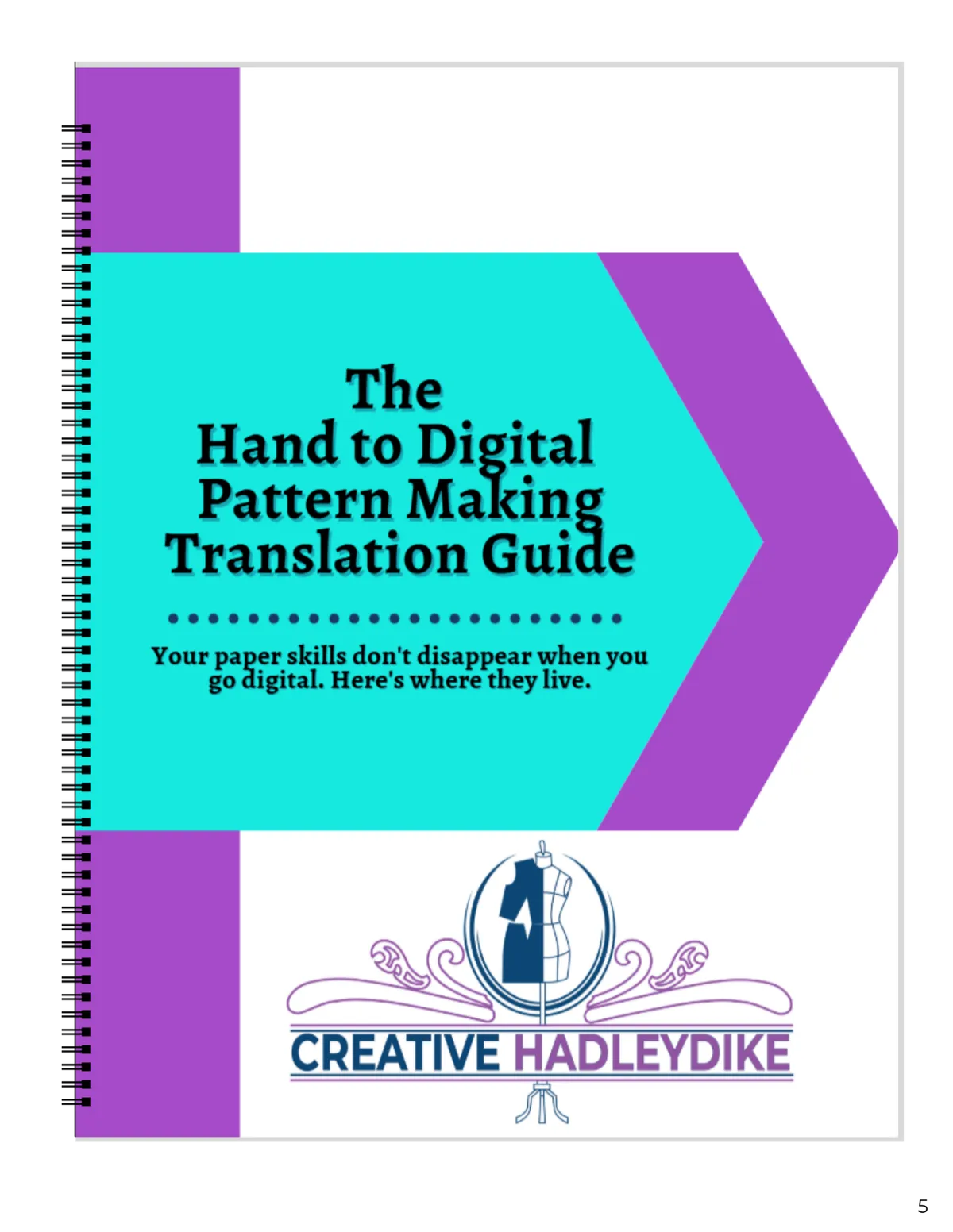
Download the free Hand to Digital Pattern Making Translation Guide and find out.
Inside the guide you'll find:
✔ A side-by-side translation table — your paper tool on one side, exactly where it lives digitally on the other
✔ The most common paper methods and how they work in CLO3D, Illustrator, and Affinity Designer
✔ A simple mindset shift that makes the whole transition click faster
✔ A clear next step so you know exactly where to go after you read it
"There aren't truly any manuals or books that can teach you everything you need to know about patterning in Illustrator. It has been such a relief to find this training in a practical setting."

If you've been hand drafting for a while and you're trying to make the switch to digital — you've probably hit that moment.
You open the software. You stare at the screen. And suddenly everything you know about pattern making feels like it just disappeared.
It didn't.
Your French curve is still there. Your ruler is still there. Your understanding of darts, grainlines, and seam allowances — all of it is still there.
It just looks a little different on screen.
This free one-page guide shows you exactly how your paper tools and methods translate into the digital world — so you can stop second-guessing yourself and start drafting with confidence.
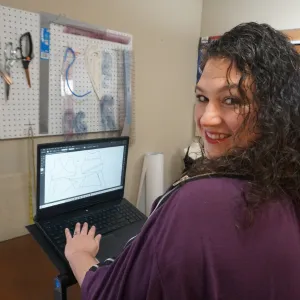
Hi, I’m Christina HadleyDike Roosevelt
I'm a master pattern maker + digital sewing educator. I help sewists feel confident using tools like CLO3D by breaking complex concepts into clear, manageable steps. And when I’m not drafting patterns, you’ll most likely find me out on my bike, exploring new routes and enjoying a good adventure.
Terms and Conditions
Privacy Policy