Self-paced CLO3D course
Stop drafting every pattern from scratch in CLO3D
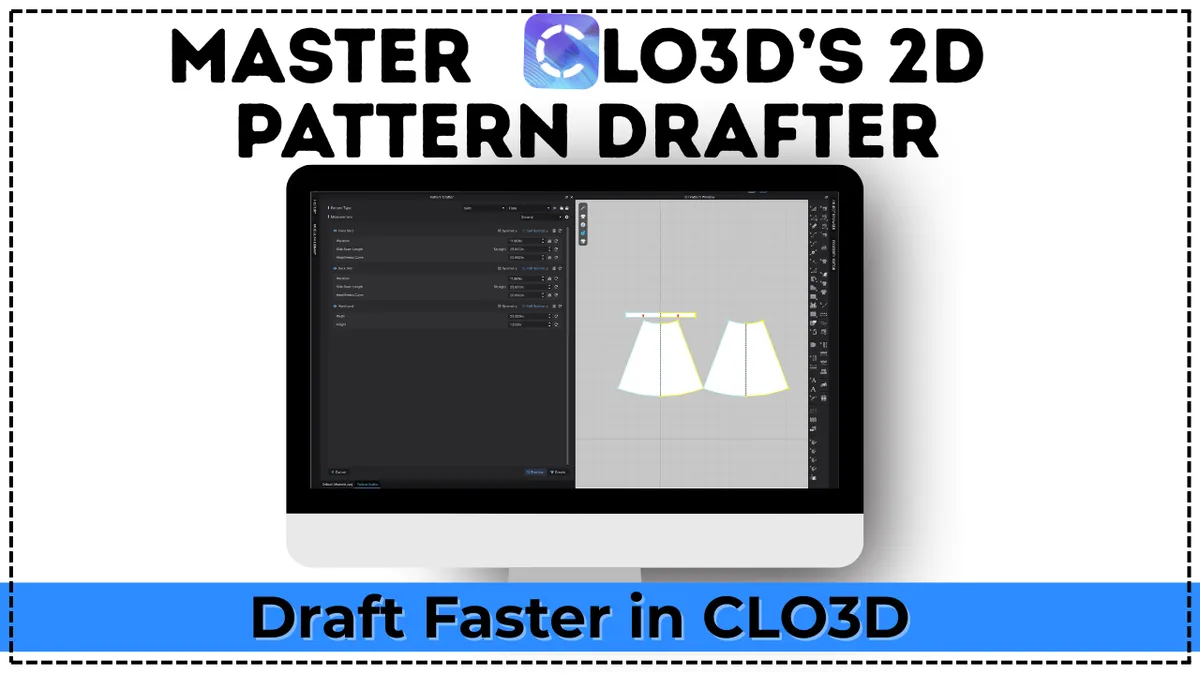
Learn how to use CLO3D's 2D Pattern Drafter to generate clean base patterns in minutes, think parametrically, and draft faster with confidence. Now with the new AI Pattern Drafter.
See what's inside
8 modules
24 video lessons
FREE updates
Still starting every pattern with a blank grid?
Drafting each base pattern line by line works, but it's slow. And when you try CLO3D's built-in drafter on your own, it's easy to get stuck.
Hours on the same basics
You redraw the same bodice, pant or skirt base before you even get to the fun design part.
A panel full of symbols
You found the 2D Pattern Drafter, but the settings and icons don't make sense yet.
Patterns you can't use
You generated something, but it didn't fit the avatar or wasn't the base you actually needed.
The 2D Pattern Drafter gives you a clean starting block in minutes. This course shows you how to set it up so the result is one you can actually build on.
A faster start, not a shortcut around good patterns
The 2D Pattern Drafter is one of the most useful tools in CLO3D, as long as you know what it's for.
What it is
A tool inside CLO3D that generates base patterns from the settings you choose
A quicker alternative to drafting from scratch or tracing a sloper every time
A starting point you can edit, style and turn into new designs
What it isn't
A finished, ready-to-sell sewing pattern with one click
A replacement for checking fit on your avatar
The right tool for every garment (you'll learn when to use it, and when not to)
What you'll draft in the course
You'll start with a T-shirt, then use the same thinking to build pants and skirts.
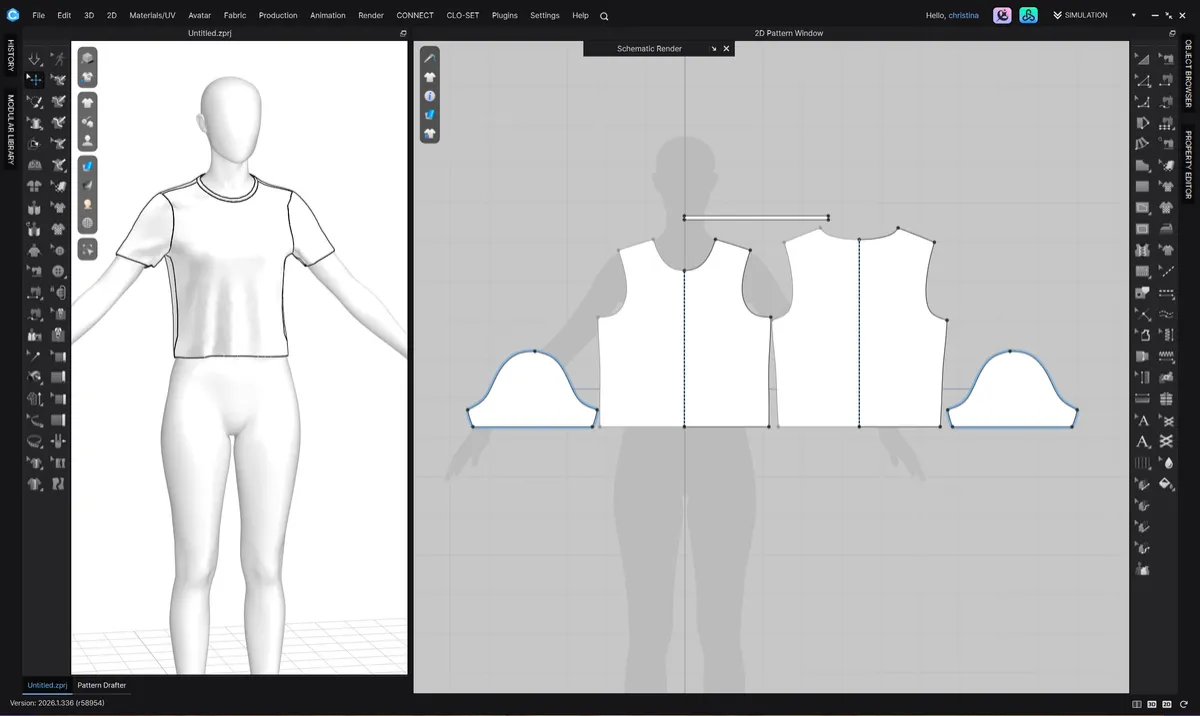
T-shirt
Your first base pattern, start to finish.
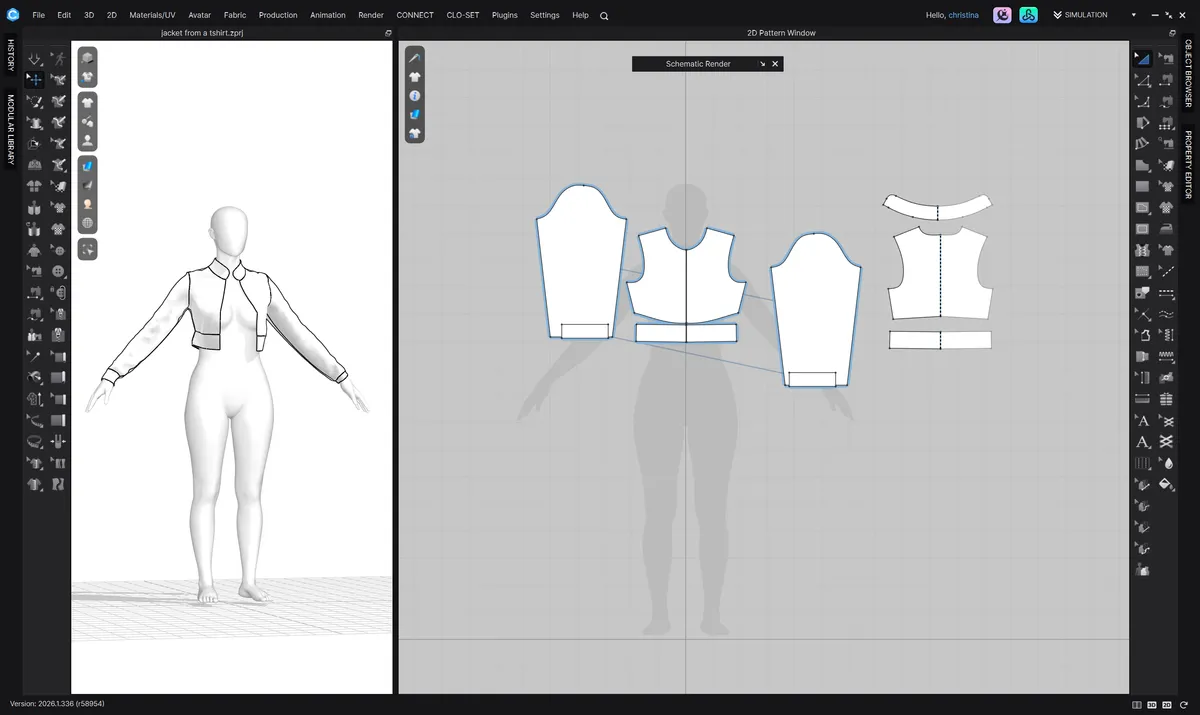
Jacket from a T-shirt
Turn one base into a completely different garment.
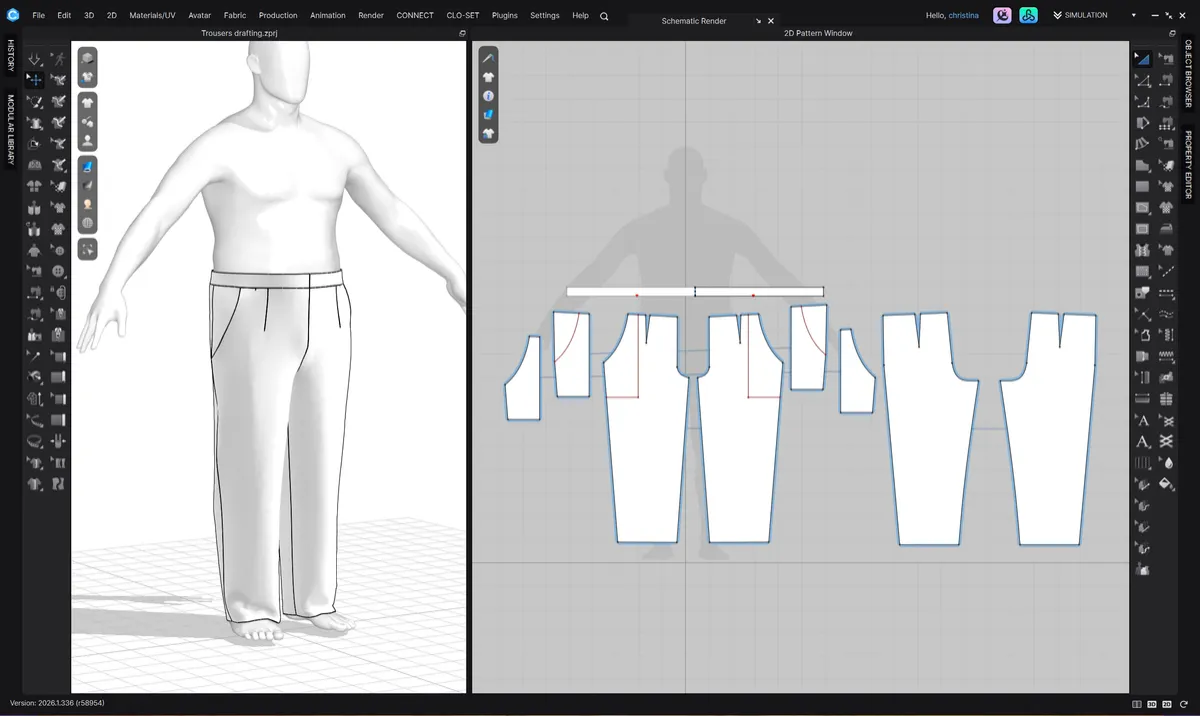
Slacks
A woven pant base you can restyle.
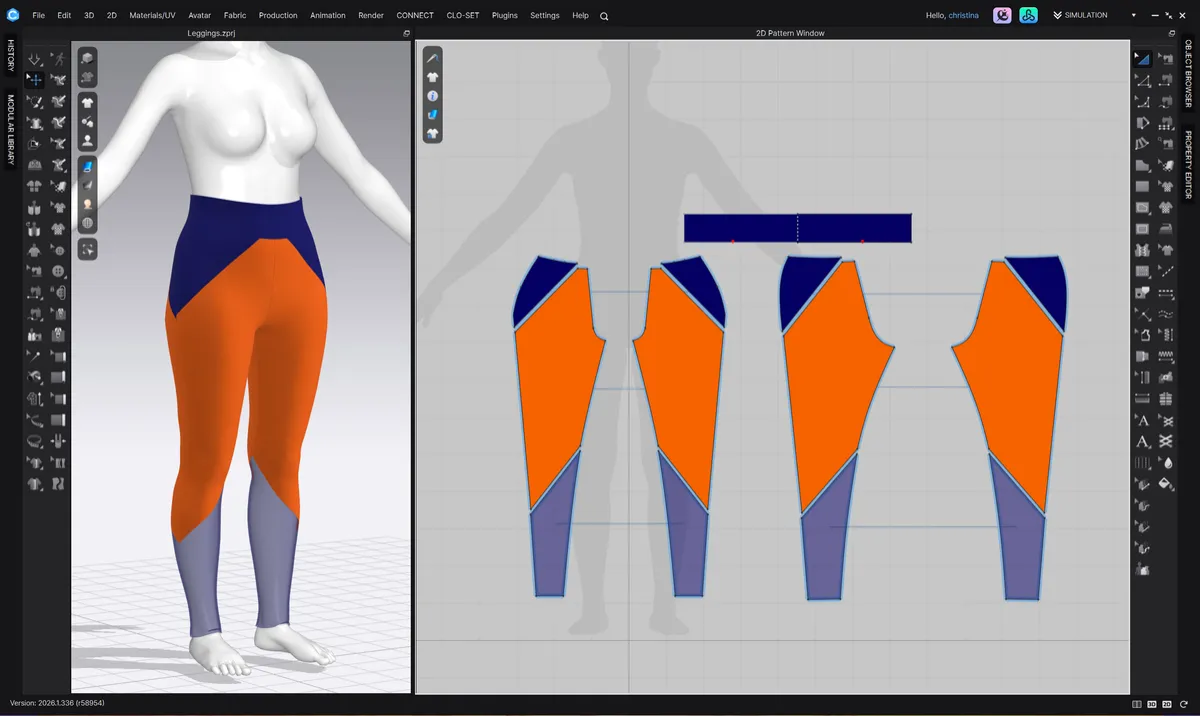
Leggings
A close-fitting knit pant from the same tool.
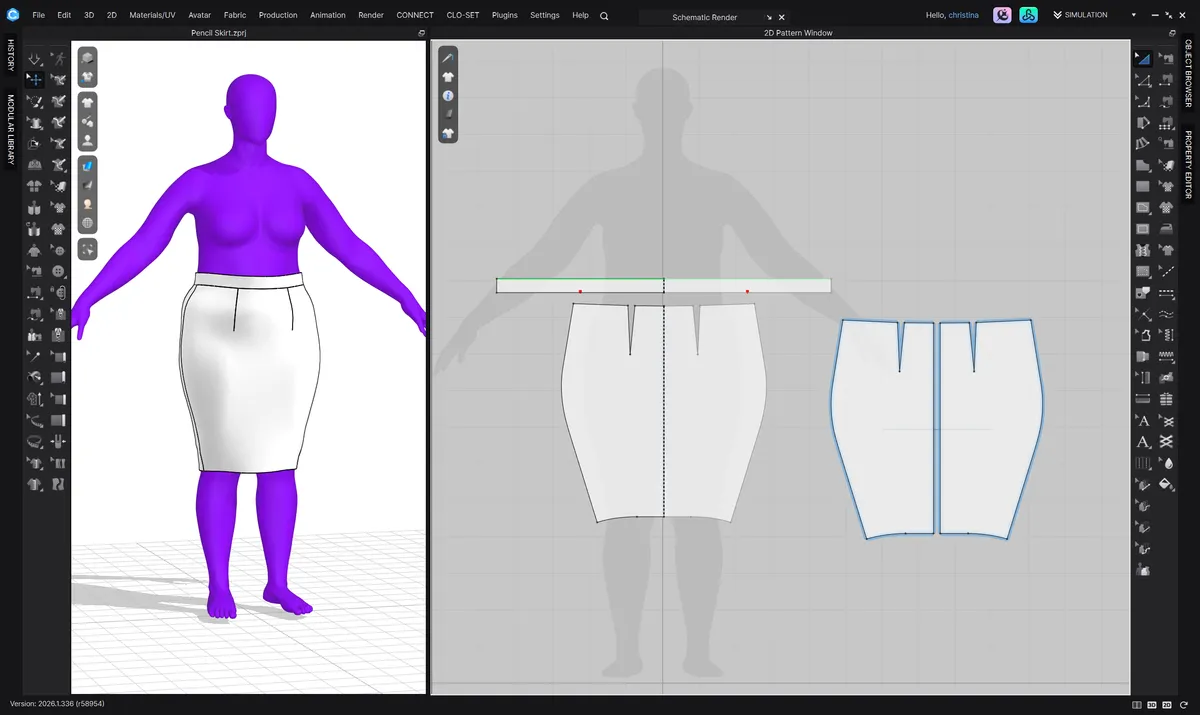
Pencil skirt
A fitted skirt with clean, editable lines.
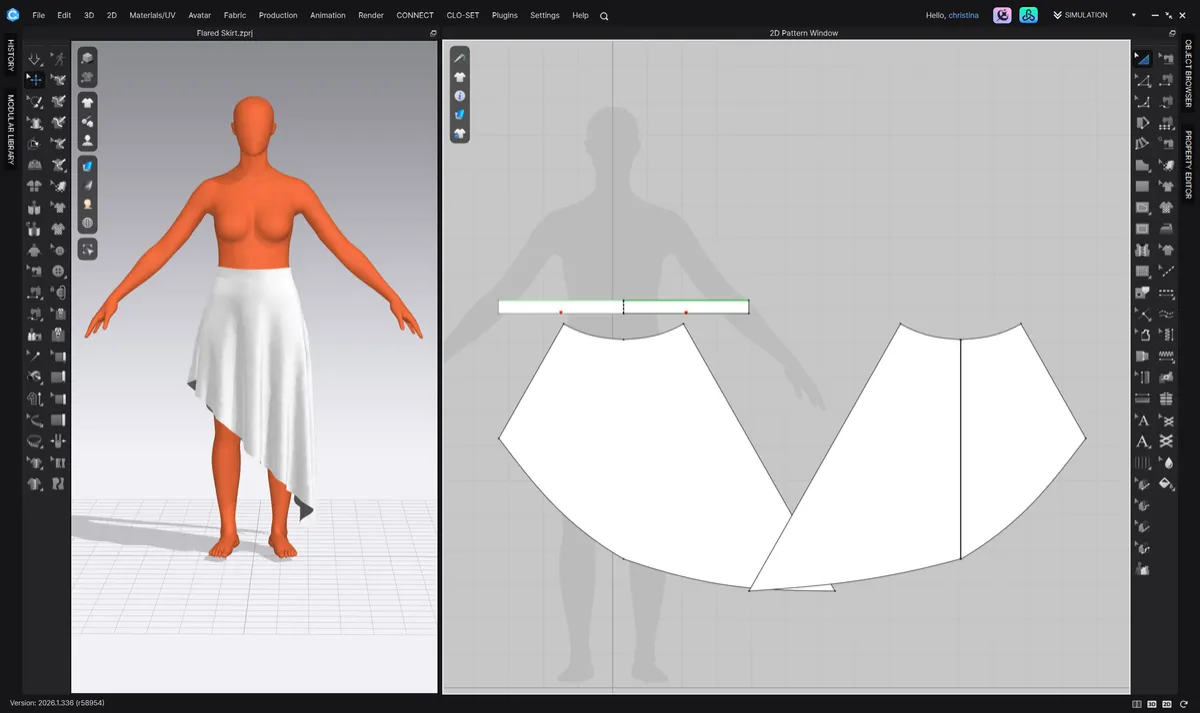
Flared skirt
Add fullness without redrafting from zero.
New in the course
Generate patterns from a prompt or a sketch
CLO3D's AI Pattern Drafter is new, and most tutorials don't cover it yet. A whole module walks you through it.
1
Turn it on and find it
Where it lives and how to access it in CLO3D.
2
Understand how it works
What it can do well, and where you'll still step in.
3
Write prompts that work
How to describe a garment so you get better results.
4
Start from sketches and images
Use your own drawings or reference photos to generate a pattern.
What's inside
8 modules and 24 short video lessons. Watch at your own pace and come back whenever you need them.
Module 1
Welcome
Hello!
Meet your instructor
What the 2D Pattern Drafter is and is not
How it compares to drafting from scratch or starting from a sloper
When it's the right tool to use
Do I need to understand pattern making to use it?
Module 2
Understanding the 2D Pattern Drafter interface
Where the 2D Pattern Drafter lives in CLO3D
What the symbols mean (and why they matter)
Module 3
Thinking like a pattern maker before you click
What CLO3D needs to generate a usable base pattern
Understanding the intended base
Common mistakes
Module 4
Your first base pattern (T-shirt)
Cloning a T-shirt in the 2D Pattern Drafter
Creating a jacket from a T-shirt
Module 5
Working with pants
Creating slacks
Creating leggings
Module 6
Working with skirts
Creating a pencil skirt
Creating a flared skirt
Module 7
2D Pattern Drafter and AI
Turning on and accessing the AI Pattern Drafter
What the AI Pattern Drafter is and how it works
Writing effective prompts for better results
Using sketches and images to generate patterns
Module 8
Wrap-up and what's next
How this course will continue to grow
Your next steps as a pattern maker
If you want more support and guidance
CLO3D keeps changing. So does this course.
When CLO3D updates the 2D Pattern Drafter, I add new lessons. Every update to this course is free for you, forever.
Most of the newest features, including the lessons on the way, need the latest version of CLO3D.
Included now
T-shirt, jacket, pants and skirt bases
Added 2026
The AI Pattern Drafter module
This course is for you if you…
You already know your way around CLO3D and want to get to the design part faster.
Brand new to CLO3D? Start here first.
This course doesn't teach the basics of CLO3D. If you haven't used it yet, you'll feel lost. Start with CLO3D Quick Start, then come back to this one.
Already use CLO3D and want a quicker way to get base patterns
Are tired of redrafting the same bodice, pant or skirt every time
Opened the 2D Pattern Drafter and didn't know what the settings meant
Want to try CLO3D's new AI Pattern Drafter with someone showing you how
Design patterns to sell and want to make variations faster
amazing tutorials on patterndrafting in Adobe Illustrator

I would definitely recommend this course to anyone interested in learning more about digital pattern drafting! The course is designed in a way that allows you build on the basics and easily transition into more complicated pattern development.

The entire ability to be able to design and manipulate apparel patterns in Illustrator is simply amazing to me.
Draft faster in CLO3D, starting today
One payment. Instant access. Every future update included.
Everything included
8 modules, 24 step-by-step video lessons
T-shirt, jacket, slacks, leggings, pencil skirt and flared skirt walkthroughs
The full AI Pattern Drafter module
Common mistakes to avoid before you click "generate"
Every future update to the course, free
Course completion credential
$67
one-time payment
Requires your own CLO3D license (latest version).
Digital product, all sales final.
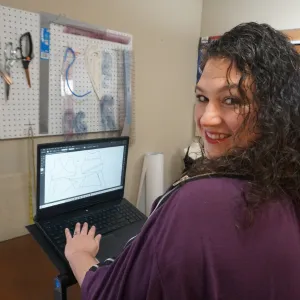
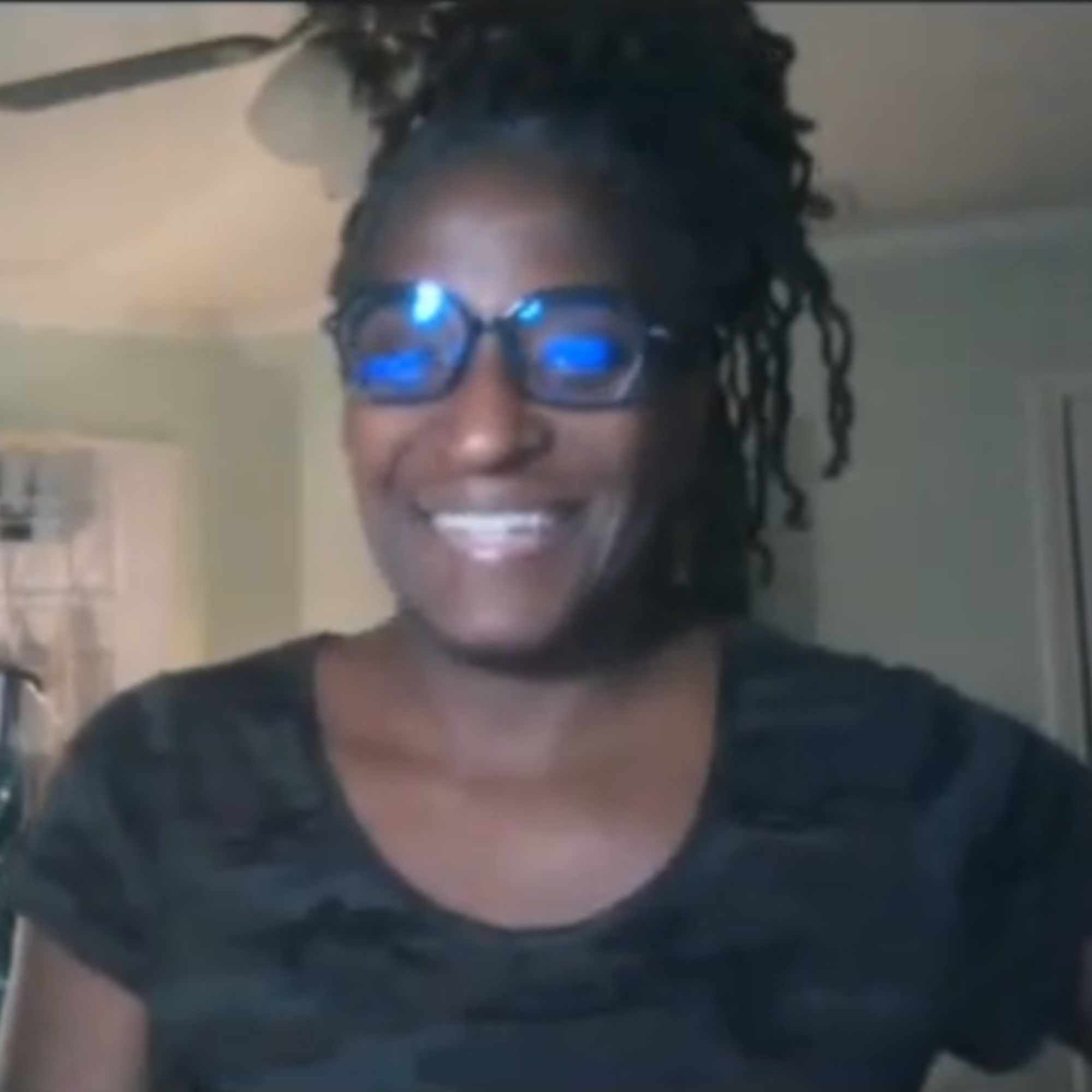
Hi, I'm Christina HadleyDike
Digital pattern maker, costume technician and educator.
I've spent years drafting patterns by hand and digitally, and I teach sewists how to use CLO3D without the overwhelm.
I made this course because the 2D Pattern Drafter saves me hours, but almost no one teaches it from a pattern maker's point of view. I'll show you what each setting means, so you can trust the pattern it gives you.
Frequently Asked Questions
Do I need CLO3D?
Yes. You need your own CLO3D license, and the software isn't included. Use the latest version of CLO3D: most of the features in this course, especially the newest lessons, need it.
I'm new to CLO3D. Is this course for me?
Not yet. This course focuses on the 2D Pattern Drafter and doesn't teach the basics of CLO3D. If you've never used CLO3D, start with CLO3D Quick Start first, then come back.
Do I need to understand pattern making?
Yes. You don’t need to be an expert, but you do need a solid start in pattern making. The software can’t fix problems in a pattern for you. The course explains what CLO3D needs from you and why, so you can make good choices in the drafter. If you need to build that foundation first, the Academy can teach you.
Will I get the new lessons you add?
Yes. Every update to this course is free. When CLO3D updates the 2D Pattern Drafter and I add lessons, they show up in your course automatically.
Can I sell patterns I make with it?
Yes. Know that the 2D Pattern Drafter gives you a starting point, not a finished pattern. You'll still refine the fit, add details, test and grade it before it's ready to sell.
Can I get a refund?
Because this is a digital product with instant access, all sales are final.
Want live help?
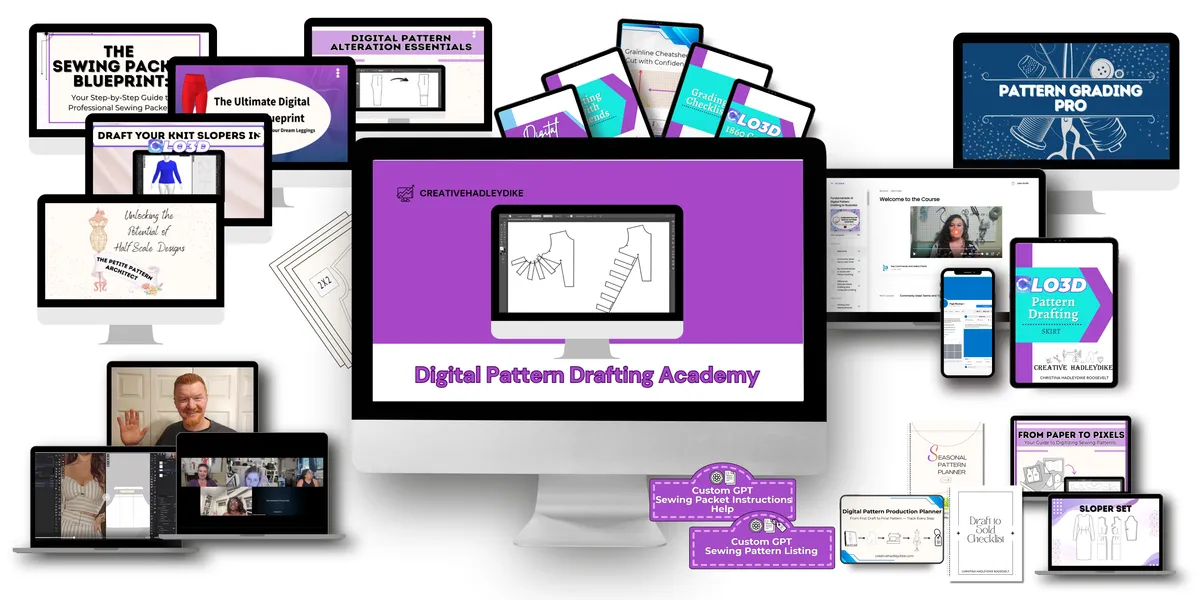
Go further in the Digital Pattern Drafting Academy
The Academy has a whole path built around the 2D Pattern Drafter, plus weekly live office hours where I look at your patterns with you.
Your next pattern doesn't have to start from a blank grid
Get the course for $67 and generate your first clean base pattern today.
© 2026 Creative HadleyDike
Contact
Terms and Conditions
Privacy Policy